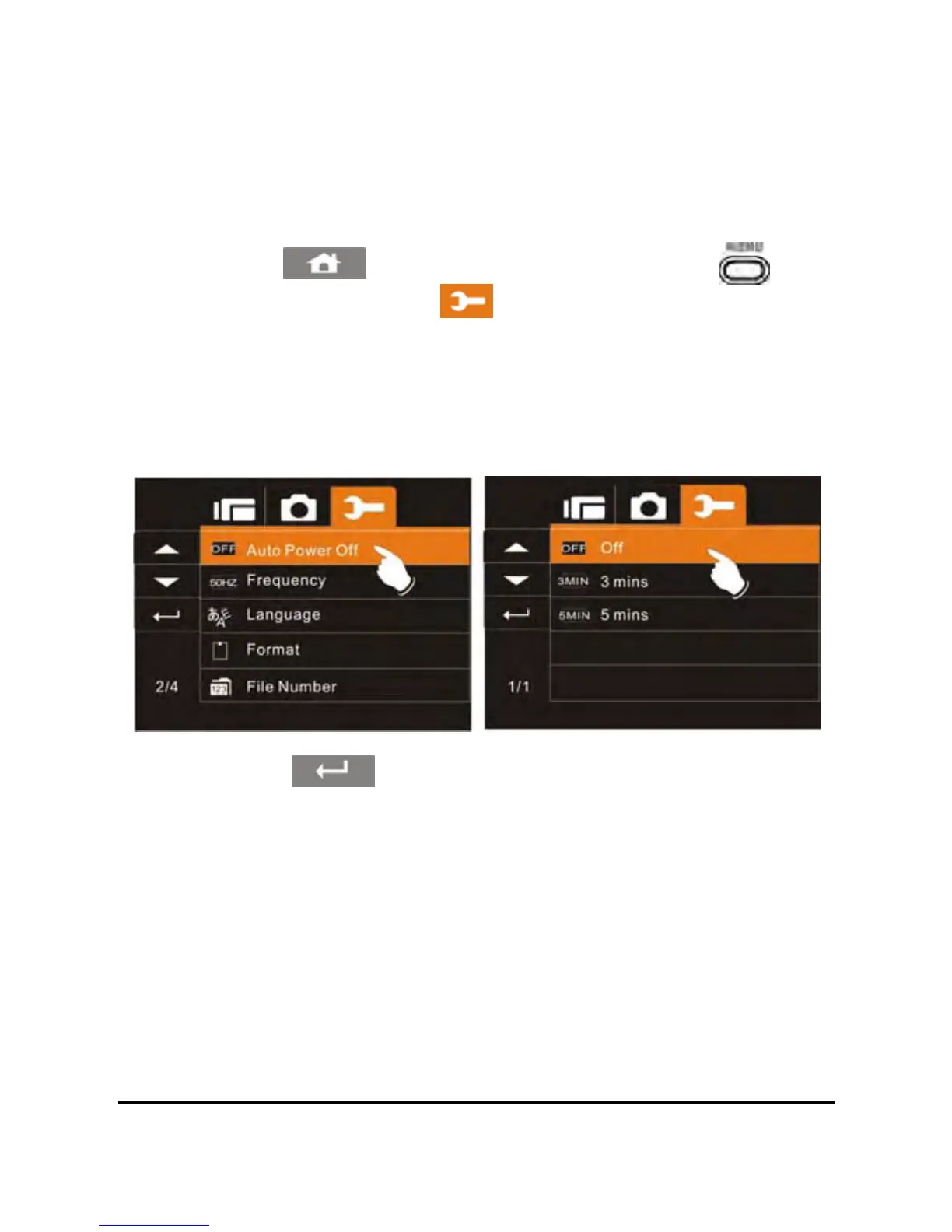
6.5.6 Auto Power Off
This setting can be used to automatically power off the camcorder
after not using it for a selected period of time.
1. Power on the camcorder.
7
2. Touch the
icon or press the Menu Button ( ) then
touch the Settings icon
. Touch the Auto Power Off
option to display the submenu.
3. Touch the desired option (Off, 3 MIN, or 5 MIN) to select as
illustrated below. After an option is selected, the Menu screen
will be displayed again. The default setting is 3 minutes.
4. Touch the icon to exit the Menu mode.



 To Next Page