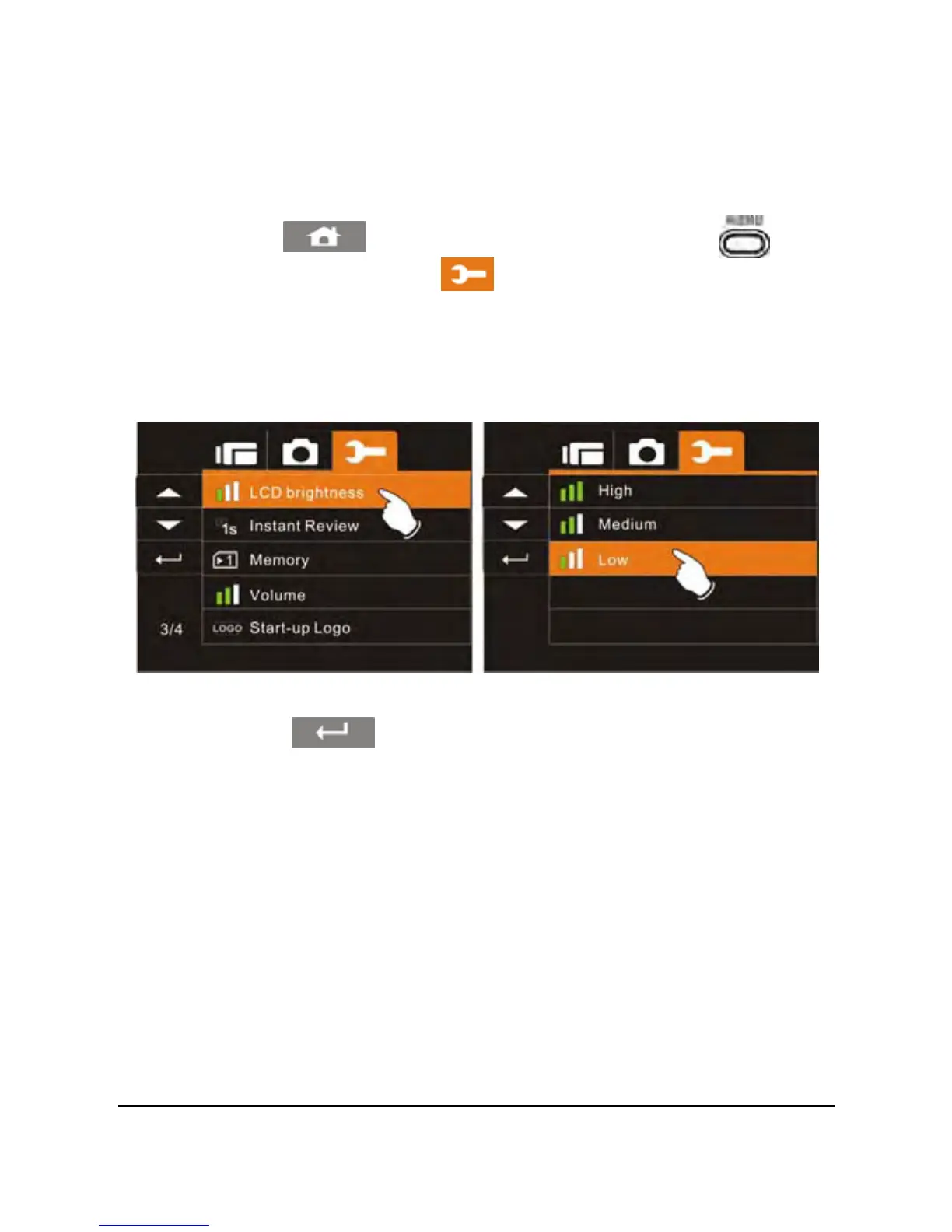
6.5.11 LCD brightness
This setting can be used to adjust the brightness of the screen.
1. Power on the camcorder.
81
2. Touch the
icon or press the Menu Button ( ) then
touch the Settings icon
. Touch the LCD Brightness
option to display the submenu.
3. Touch the desired option. The brighter the LCD, the more drain
on the battery.
4. Touch the
icon to exit the Menu mode.



 To Next Page