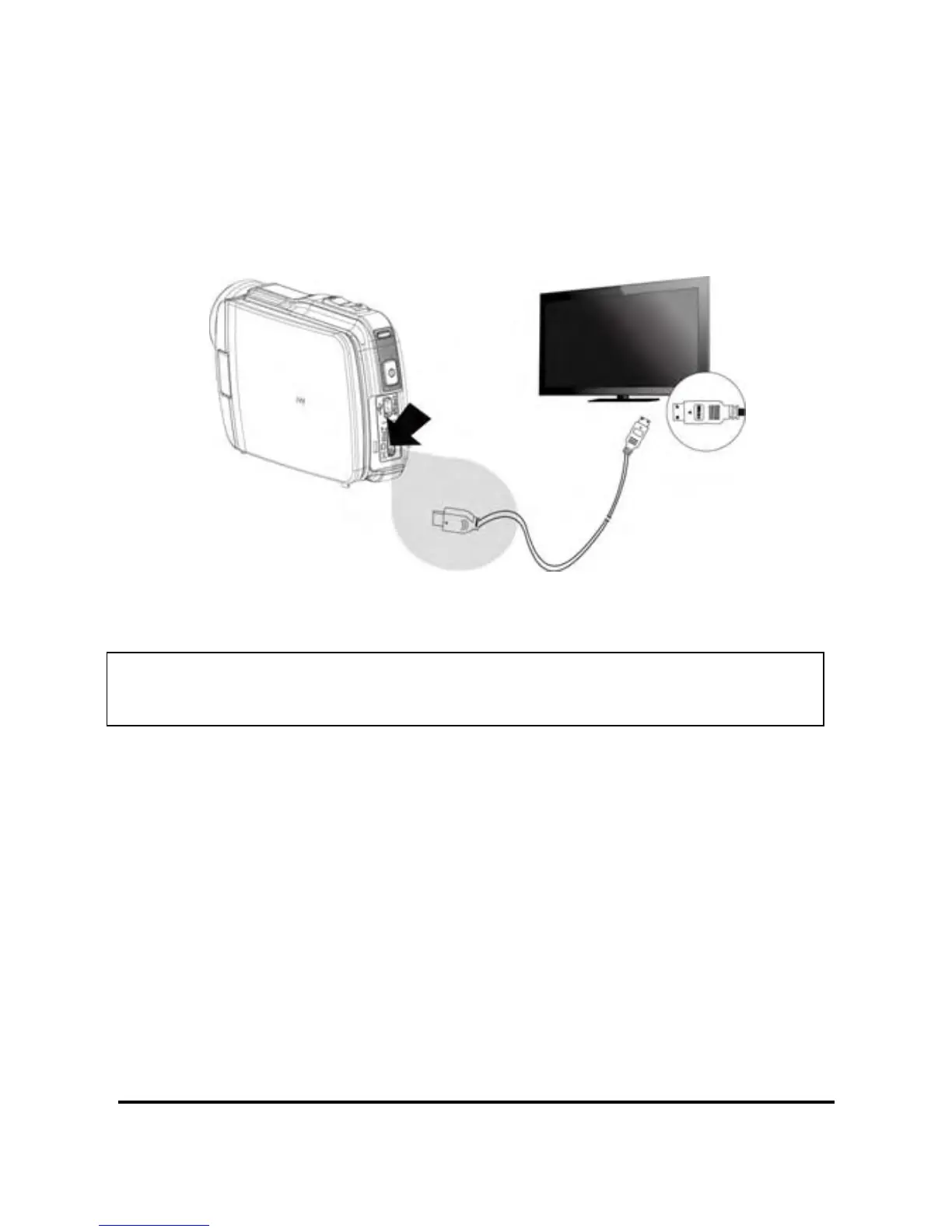
7.3 Connecting to a HD TV
As shown in the illustration, use the HDMI cable provided to connect
the camcorder to a HD TV or HDMI enabled PC monitor for high
resolution picture display.
Note:Some TVs may not recognize this image format (1080p, 30fps).
Please confirm the resolution of the connected TV.
88



 To Next Page