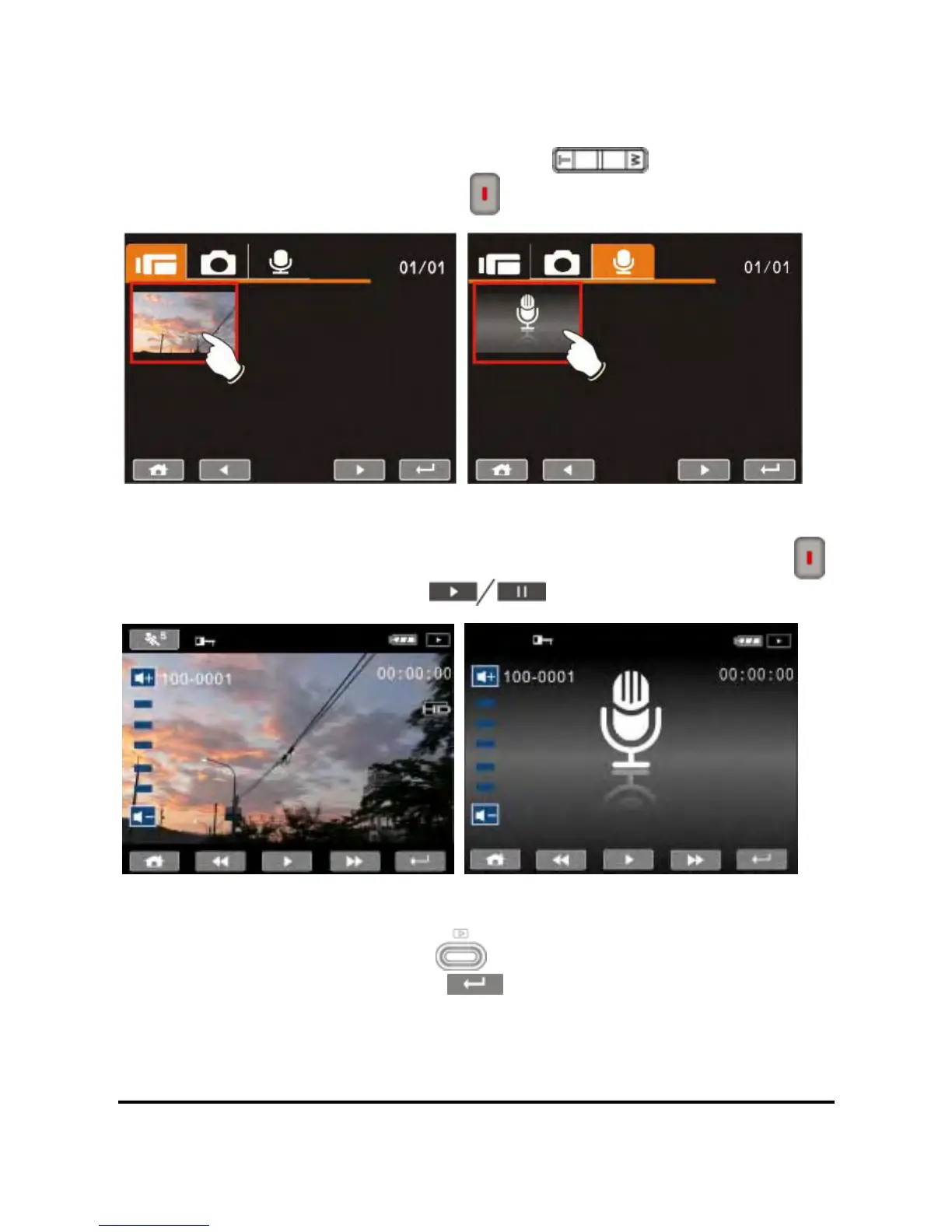
2. Touch the desired mode icon (DV, DSC, or Audio). Recorded
files will appear as thumbnails as illustrated below. Touch the file
thumbnail or press the Zoom Button (
) to select the file,
and press Recording Button (
).
3. To pause the Playback of file, press the Recording Button (
)
or touch the screen icon (
).
4. Press Playback Button (
) again or touch the screen to
select the Return Button (
), the digital video camera will
return to DV/Voice Recording Mode.
3



 To Next Page