Watch this space
for warnings about
invalid data.
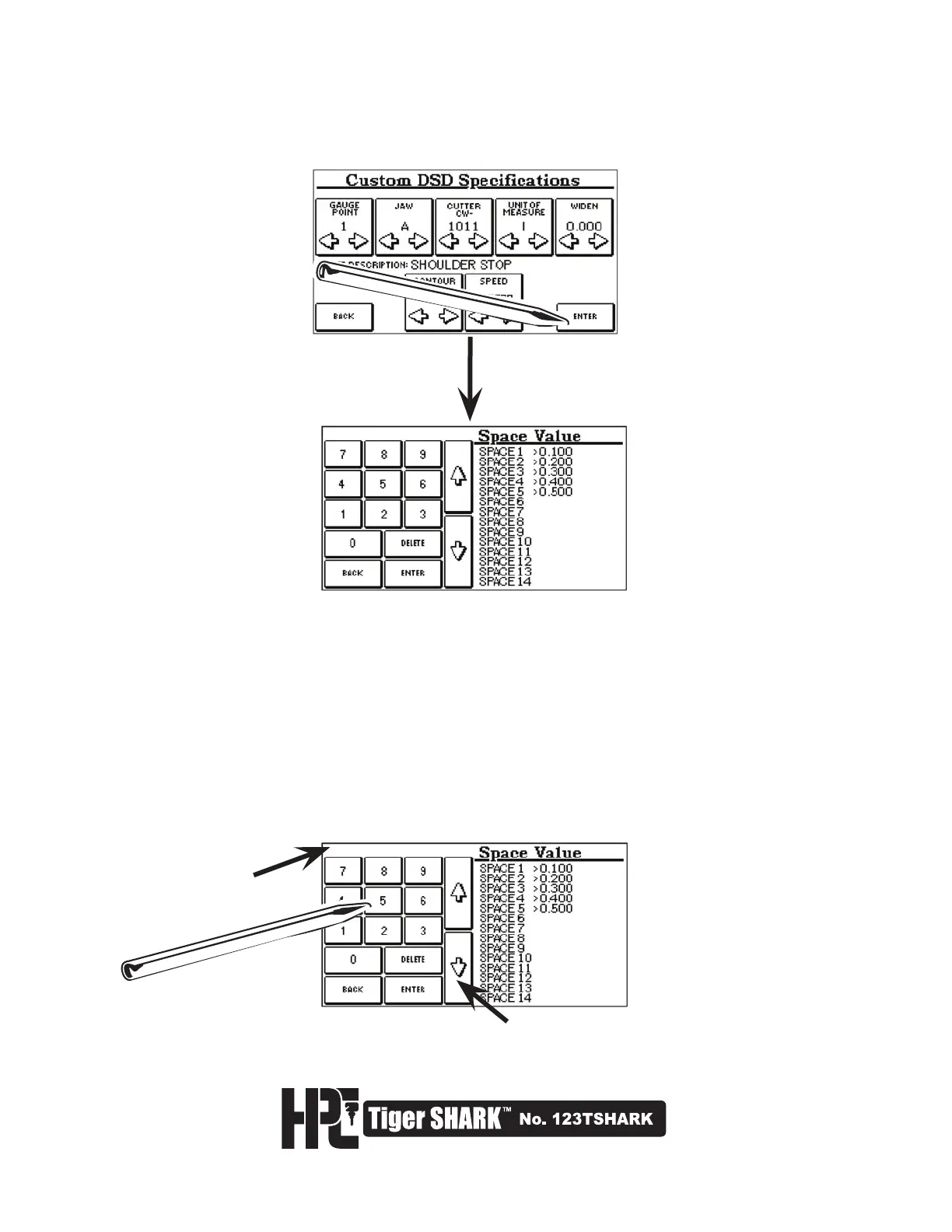
7. After all pertinent information has been entered to your desired specifications, select ENTER.
The screen will then display the Space Value Settings Screen.
8. At this screen, enter Space Values one at a time by typing in a number in thousandths of an inch or hundredths
of a millimeter (depending on which unit of measure was selected). Use the up and down arrows to edit the
values of the spaces. Spaces are measured from the designated gauge point. Selecting DELETE will erase the
value you have entered. When you have entered the desired spaces, press the ENTER key.



 To Next Page