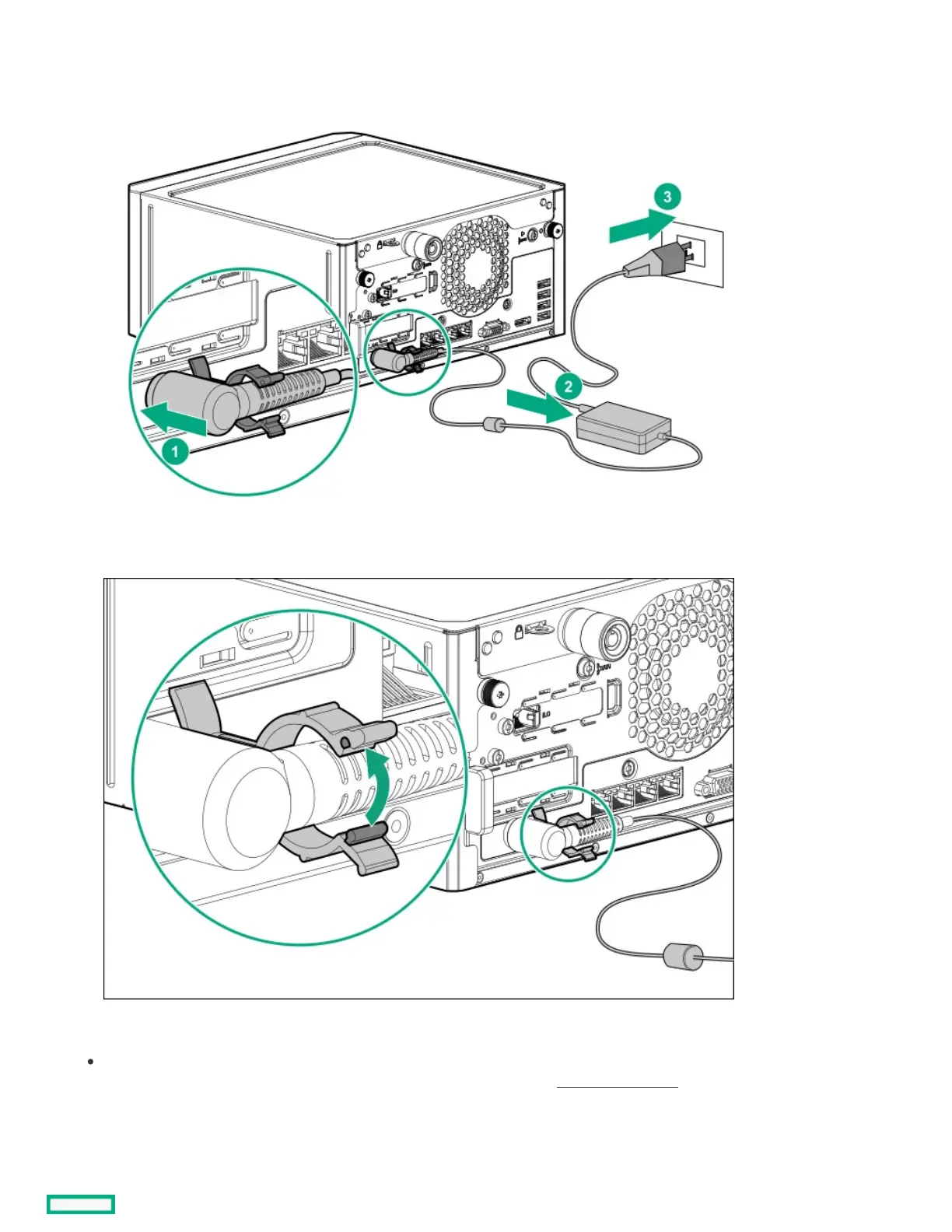
b. Connect the power cord to the adapter (callout 2).
c. Connect the power cord to the AC power source (callout 3).
d. Close the power cord clamp until it clicks into place.
6. Decide how to manage the server:
Locally: Use a KVM switch or a connect a keyboard, monitor, and mouse.
Before connecting a display device to the server, review the information for Display device setup.















 To Next Page