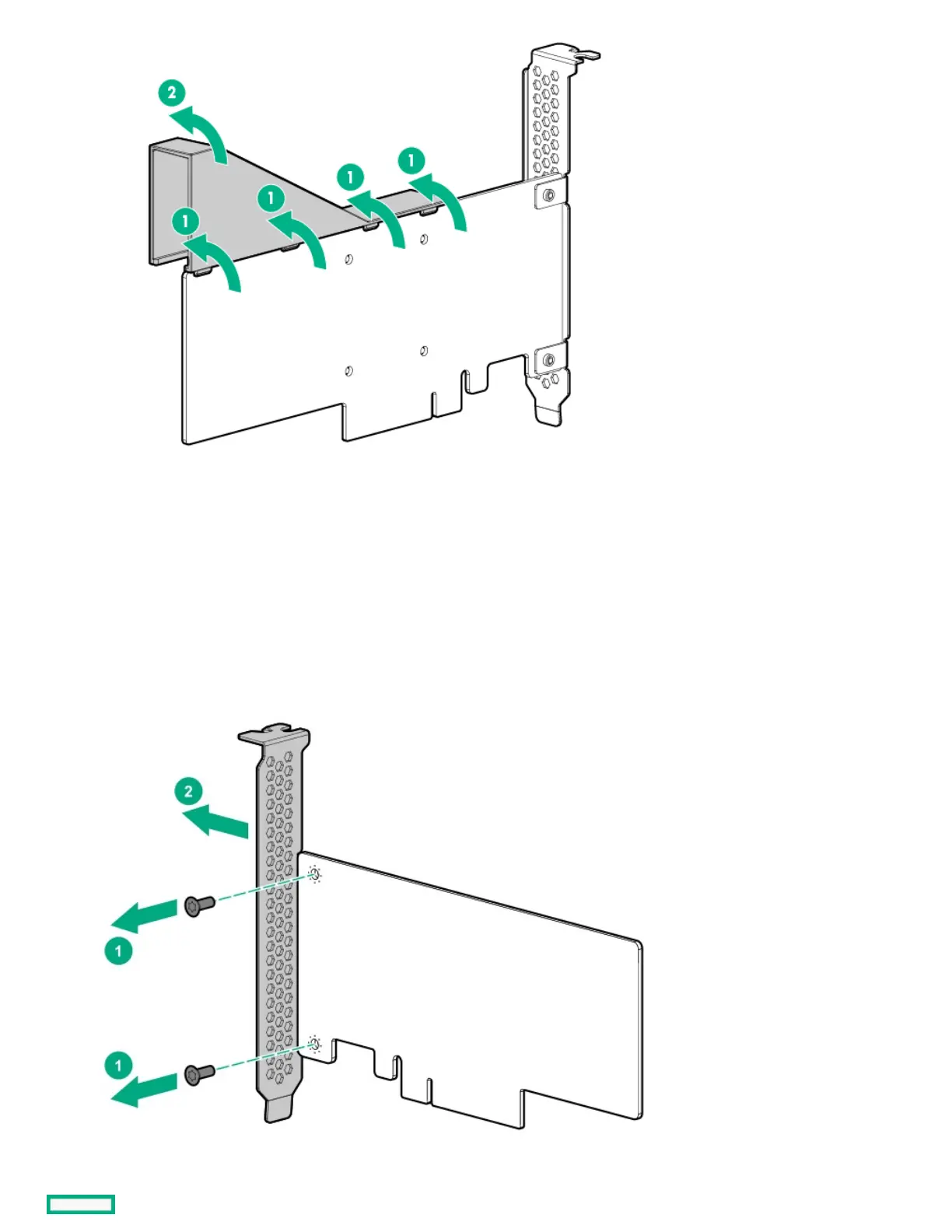
Install a low-profile bracket on an expansion cardInstall a low-profile bracket on an expansion card
About this taskAbout this task
The number and location of the bracket screws will vary depending on the expansion card. The illustrations below are only example images.
See the expansion card documentation for model-specific information.
ProcedureProcedure
1. Remove the full-height bracket from the expansion card.
2. Install the low-profile bracket on the expansion card.















 To Next Page