1. Controller LED (see Controller LED on page 13)
2. Thumbstick
3. VIVE button
4. B button
5. A button
6. Thumb rest
7. Y button
8. X button
9. Menu button
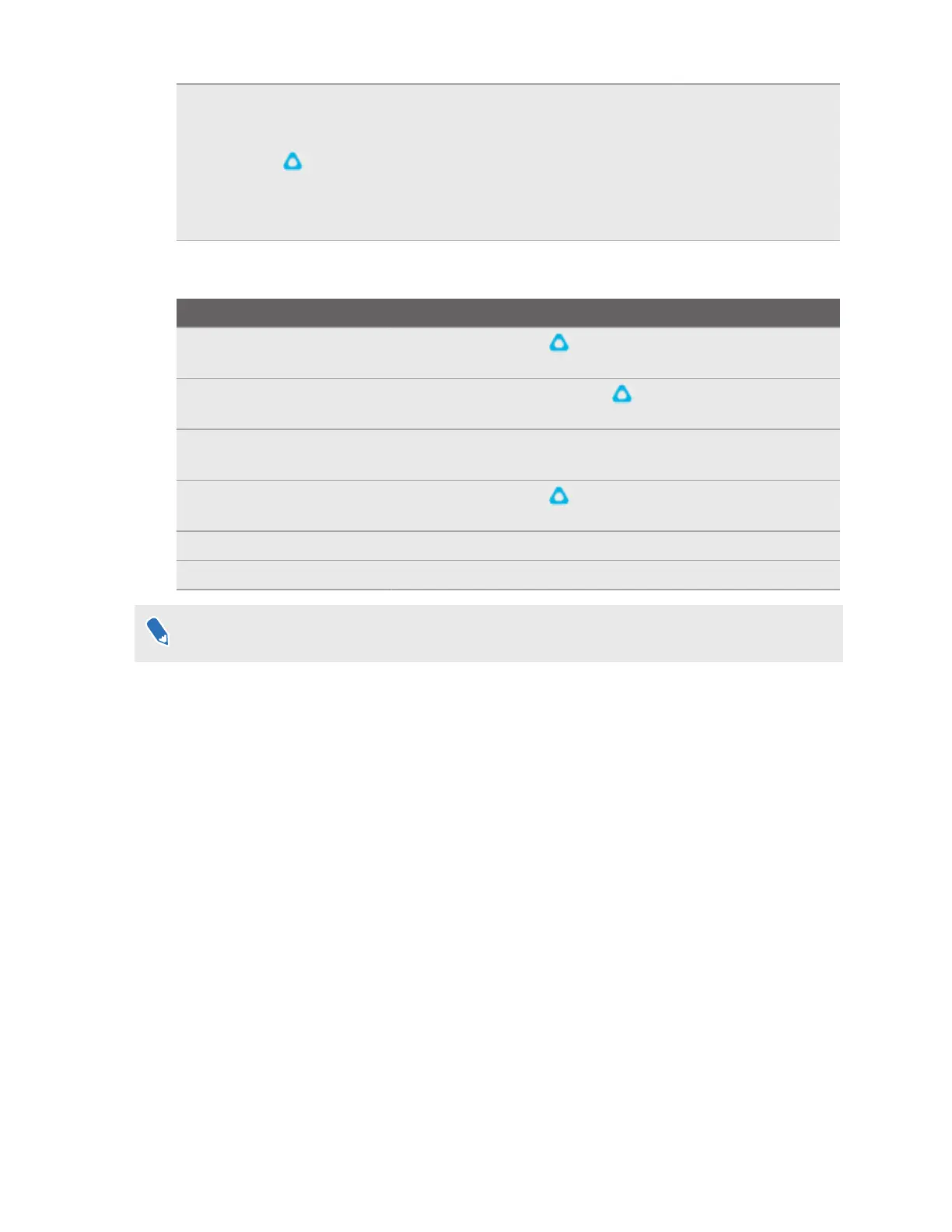
Controls
To... Do this
Turn the controllers on Press the VIVE button on the right controller and the Menu
button on the left controller.
Turn the controllers off Press and hold the VIVE button on the right controller and
the Menu button on the left controller for 2 seconds.
Put the controllers in
pairing mode
See Pairing controllers on page 28 for details.
Open the VIVE Menu Press the VIVE button . See The VIVE Menu on page 31 for
details.
Select an item Press the trigger.
Grab an object Press the grip button.
Buttons and other controls may be mapped differently depending on the app you're using.
Charging the controllers
The controllers use built-in rechargeable lithium-ion batteries. Charge them periodically with the
splitter cable. Here are some ways to charge the controllers:
10 Overview



 To Next Page