Casting the headset to your computer
1. Put on your headset.
2. Press the VIVE button on the right controller.
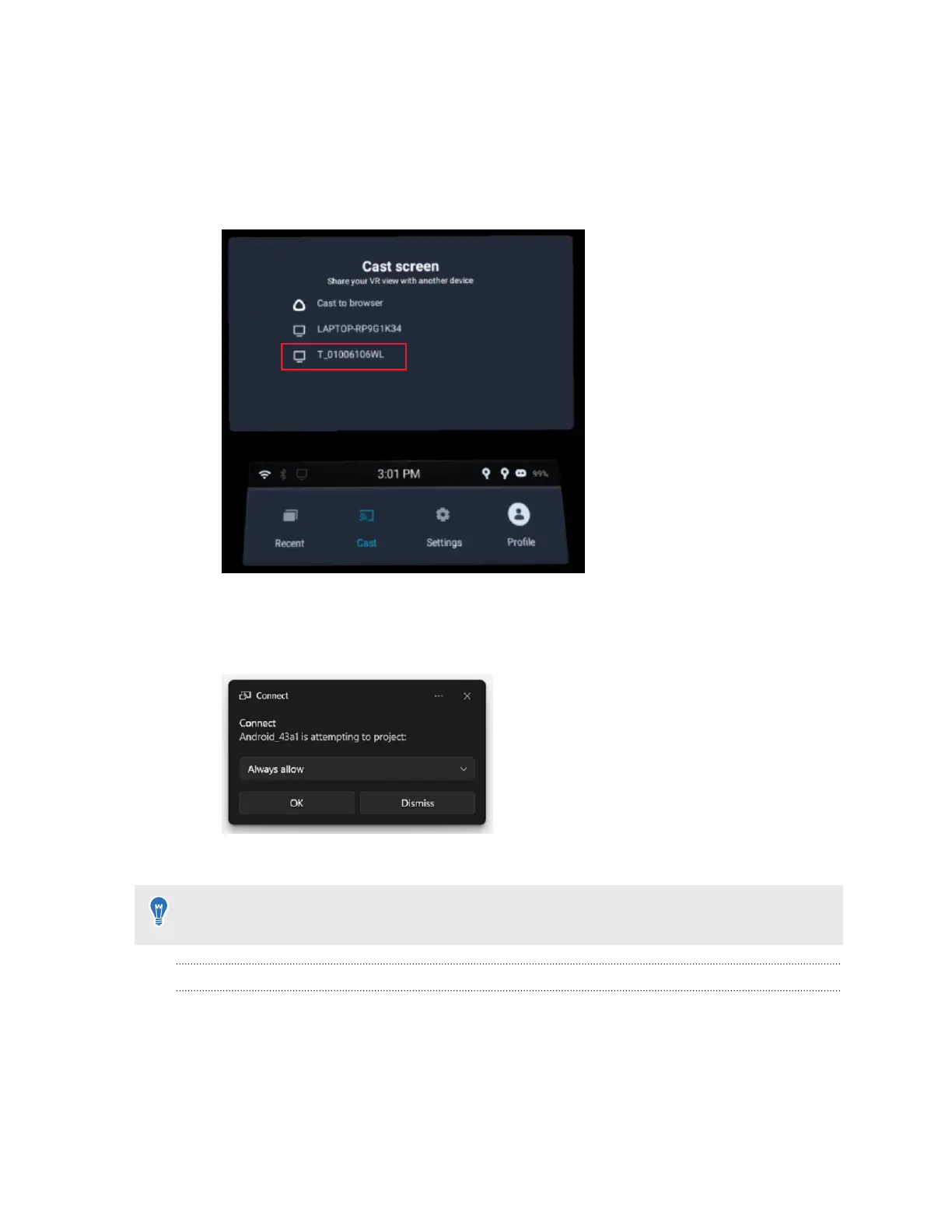
3. Select Cast, and then select your computer from the list.
4. Take off your headset.
5. In the Windows Connect app, choose to allow projecting to the computer, and then click
OK.
6. Put on your headset again. What you're viewing in VR will now appear on your computer.
To stop casting to your computer, press the VIVE button on the right controller, select
Cast,
and then select Stop.
Why can't I get the gifted apps on my business headset?
Gifted apps can only be downloaded on consumer headsets.
101 Solutions and FAQs



 To Next Page