Viewing your surroundings
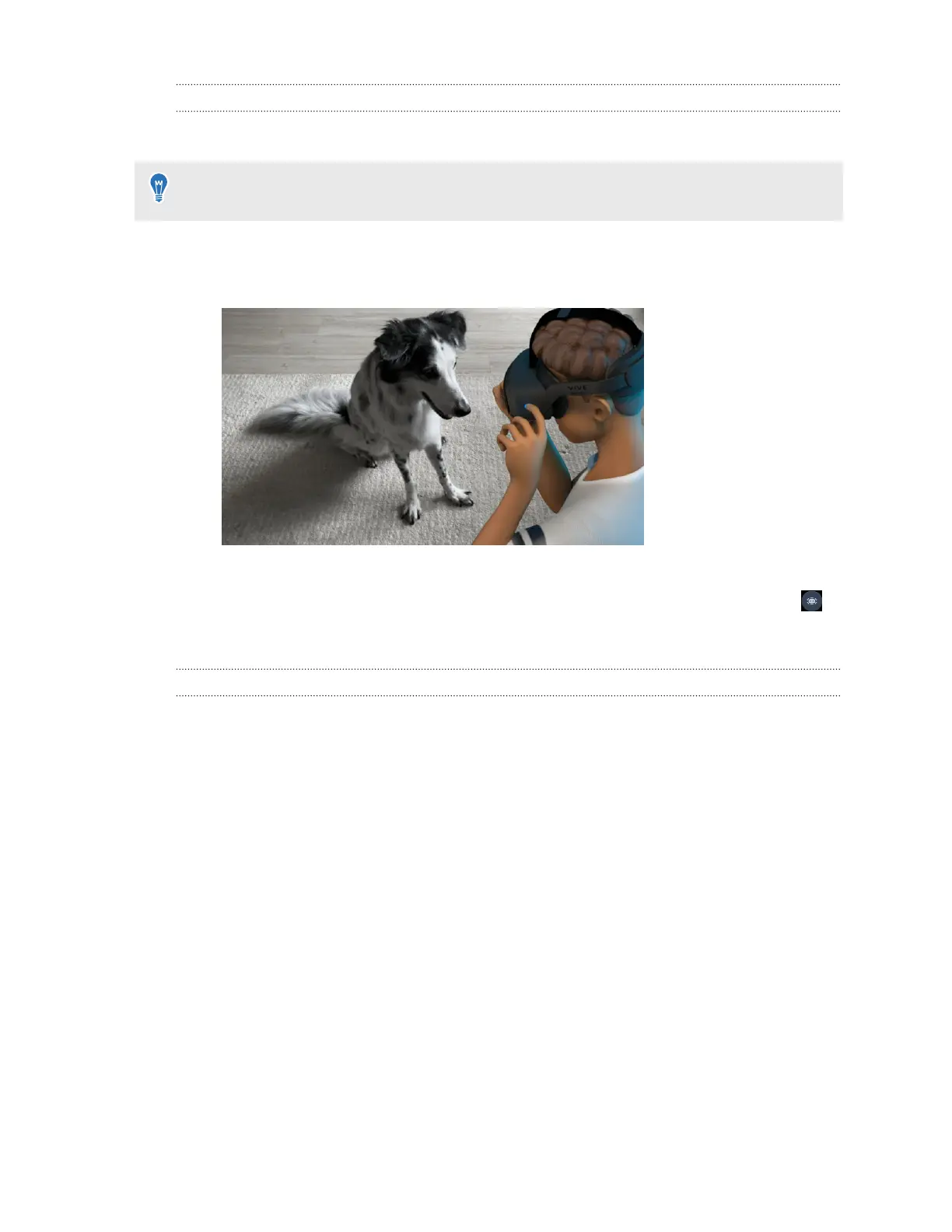
You can turn on passthrough mode to view your physical surroundings while using your headset.
To use the headset button or the right controller's VIVE button for turning passthrough mode
on and off, go to Settings, select General, and then turn on Passthrough shortcut.
Here's how to turn passthrough mode on or off:
§ Press the headset button twice.
§ Press the VIVE button on your right controller twice.
§ Open the VIVE Menu, select Settings, and then select the passthrough mode toggle .
When passthrough mode is on, the front headset LED will breathe red.
Setting up a mixed reality environment
Through MR room setup, you can customize your virtual space based on your physical room
setup so that mixed reality apps can utilize your surroundings for VR interactions.
Using the headset's depth sensor, you can first scan meshes of your room which can be used by
mixed reality apps. Room scan can also auto-detect objects in your surroundings such as walls
and tables.
The types of objects required by the mixed reality app you're using may vary. You can add them
manually during MR room setup as needed.
Here's how to set up a mixed reality environment via MR room setup:
1. From the Lobby, select Settings.
2. Select Boundary.
37 Getting started



 To Next Page