3. Select Set up next to Mixed reality.
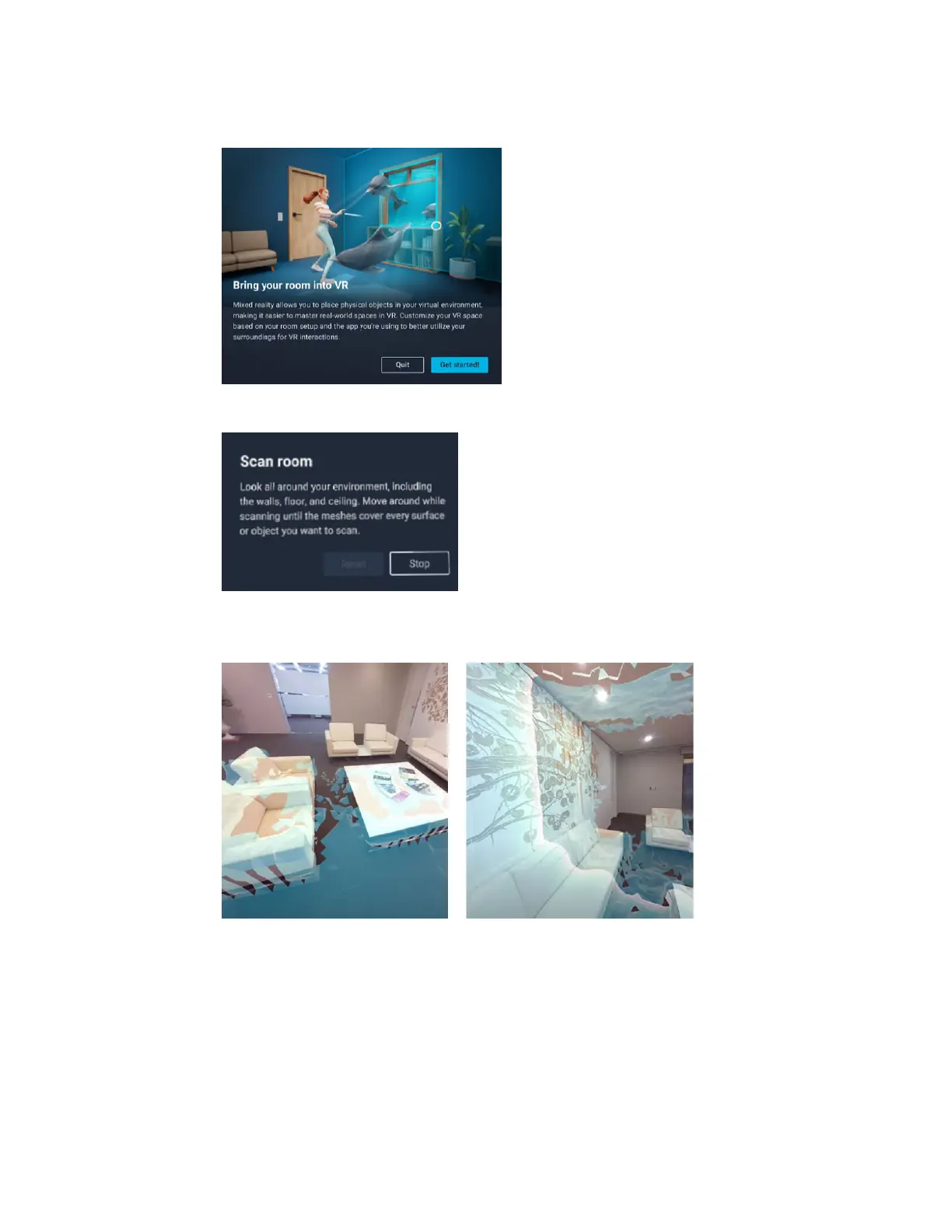
If this is your first time to set up mixed reality, select Get started.
4. Select Start and follow the instructions in the Scan room dialog box to scan your room.
As you move and look around your environment, meshes will be created and will cover the
surfaces and objects that you're scanning.
38 Getting started



 To Next Page