What should I do if I can't see my controllers in VR?
Once paired with the headset, your controllers will automatically be detected when they're on. If
you don't see them in VR, try one of the following:
§ The controllers may be in sleep mode. Shaking them gently will wake them up.
§ If your controllers are off, turn them on by briefly pressing the VIVE button on the right
controller and the Menu button on the left controller. The controller LEDs will turn blue
while they are connecting, or green when they are connected.
§ If the controllers can't be detected after you installed a firmware update, press and hold
the VIVE and Menu buttons to restart both controllers.
§ Make sure your controllers are charged. A flashing red LED indicates low power. If the
controllers are low or don't respond, try charging them. See VIVE Focus Vision controllers
on page 9 for details.
§ If your controllers are on but still not being detected, you might need to pair them again.
See Pairing controllers on page 28.
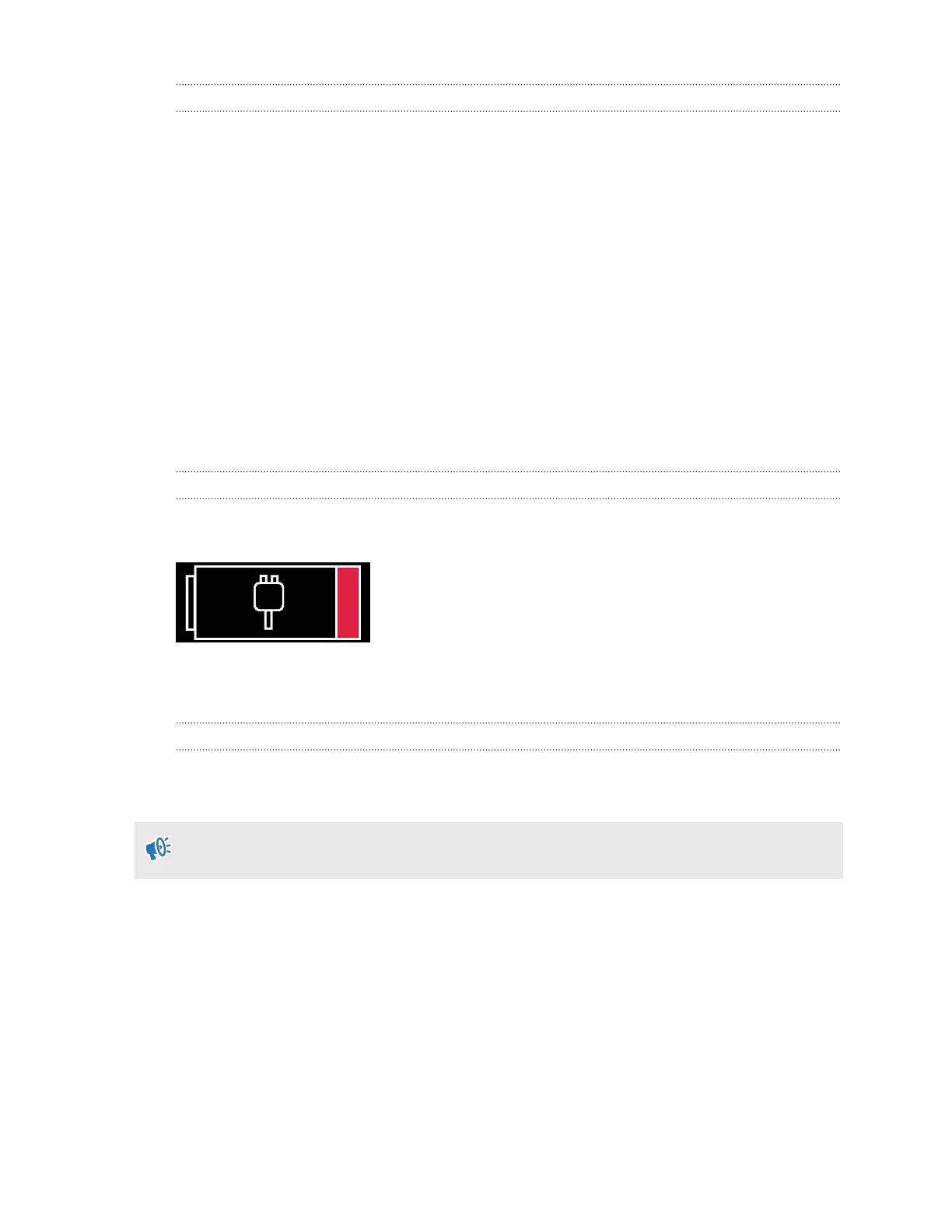
Why won't the headset turn on?
You'll see the low battery status in the headset when the headset's front internal battery is
running low.
You need to connect the headset to a power source and charge it for a while before it can be
powered back on. See Charging the headset on page 16.
What do I do if my headset isn't responding?
If you know your headset is charged, but isn't responding or needs to be restarted, you can
manually shut down the headset.
Manual shutdowns will cause all unsaved data to be lost.
§ Press and hold the power button for 3 seconds to initiate a software shut down.
§ If a software shut down still doesn't turn off the headset, you can press and hold the power
button for 10 seconds to perform a hardware shut down.
You can then power on the headset normally.
If your headset still won't respond, make sure that it is charged by pressing the power button
briefly. If the indicator shows the battery is charged and your headset still won't respond, contact
customer support.
90 Solutions and FAQs



 To Next Page