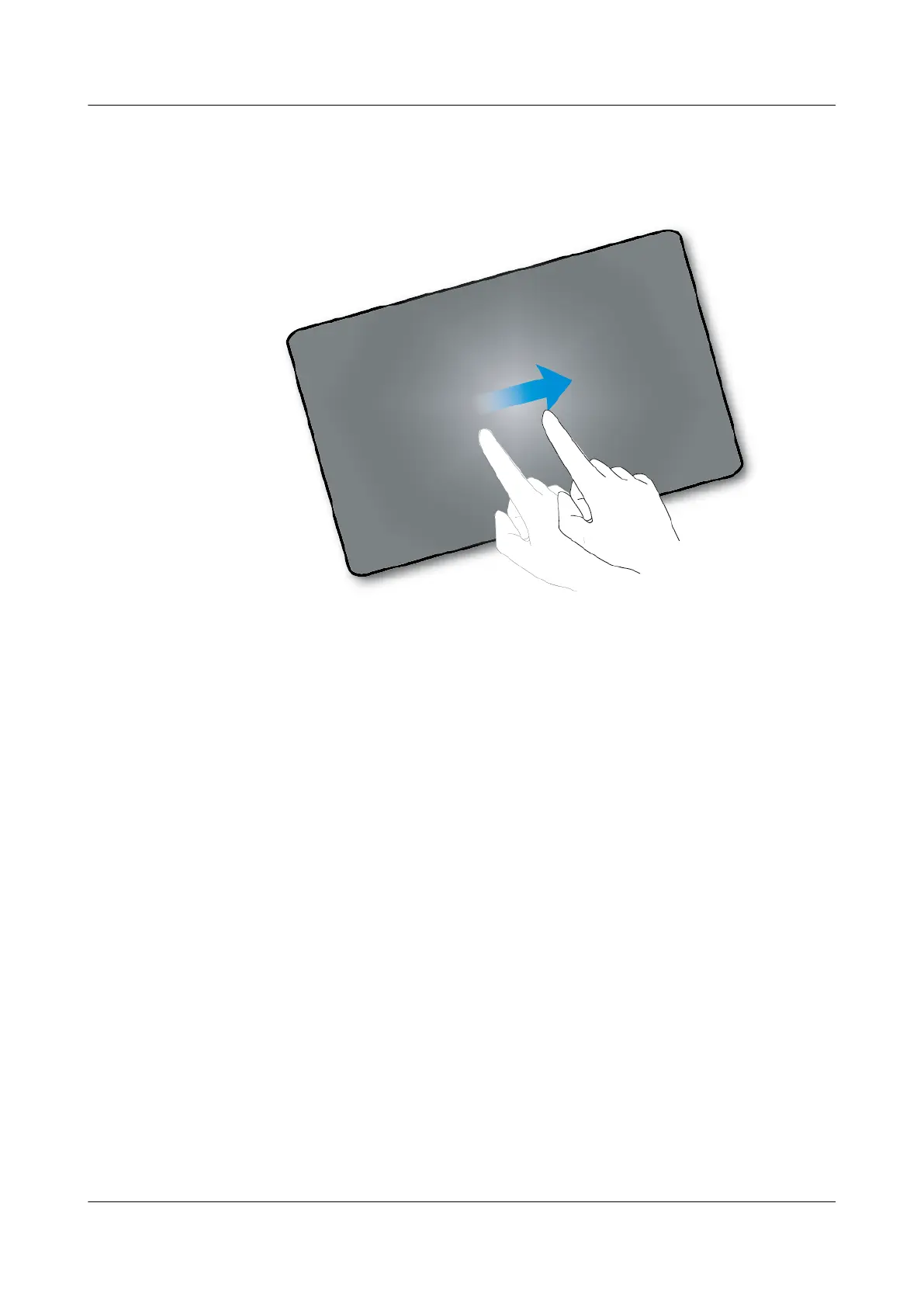
Slide
Swipe your finger on the screen. For example, on the applications screen, swipe left or right to
switch between the tabs.
Drag
Tap and hold the object, and drag it to a new location on the screen. For example, on the home
screen, you can drag a tool or icon to a new location.
eSpace 8950 IP Phone
User Guide 1 Getting Started
Issue 03 (2014-10-16) Huawei Proprietary and Confidential
Copyright © Huawei Technologies Co., Ltd.
7



 To Next Page