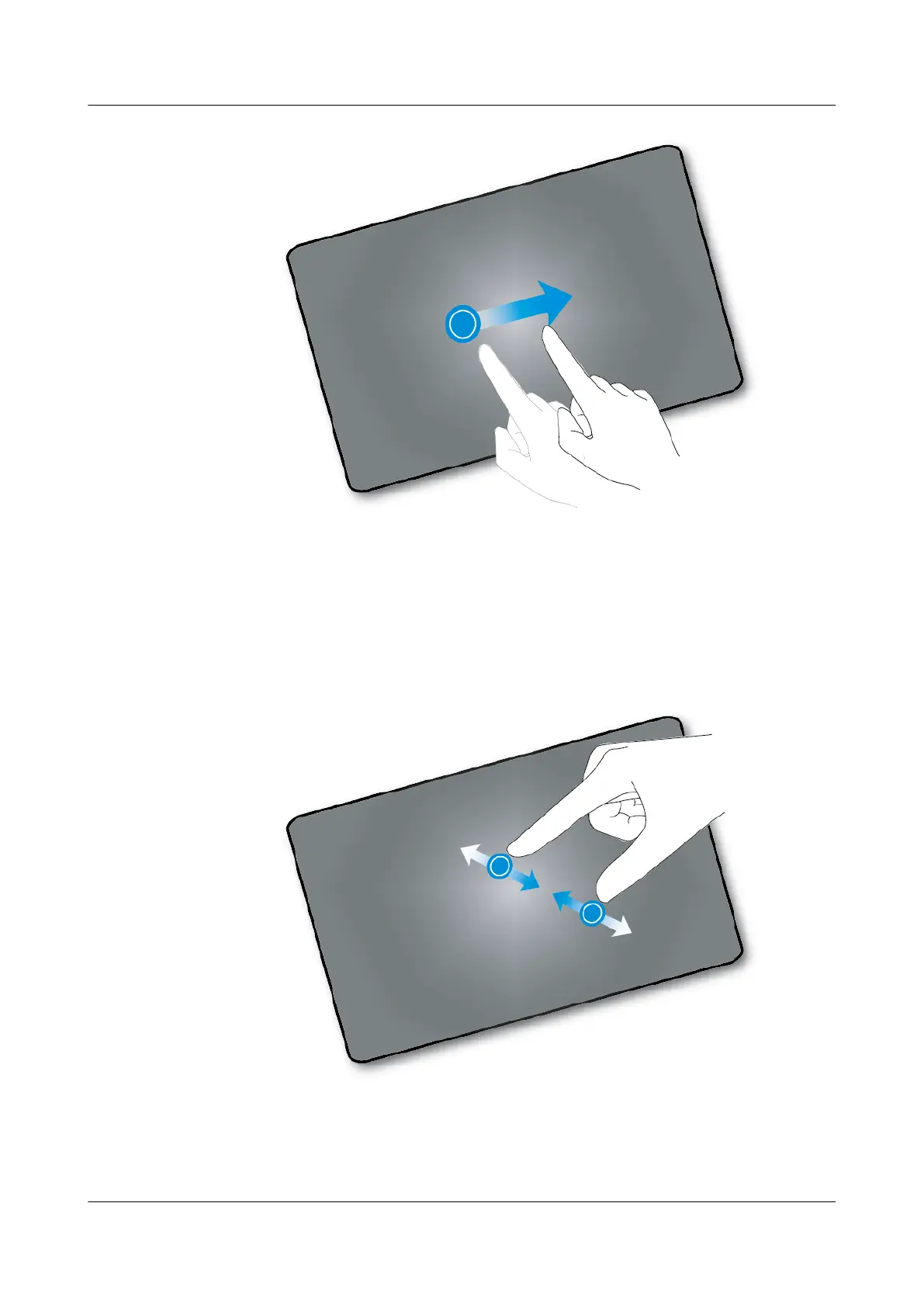
Pinch and Stretch
Tap with two fingers and move your fingers together to zoom out. Tap with two fingers and
move your fingers apart to zoom in. For example, you can pinch or stretch a photo or web page
to zoom out or zoom in.
eSpace 8950 IP Phone
User Guide 1 Getting Started
Issue 03 (2014-10-16) Huawei Proprietary and Confidential
Copyright © Huawei Technologies Co., Ltd.
8



 To Next Page