Understanding the Icons Displayed for a Line Button
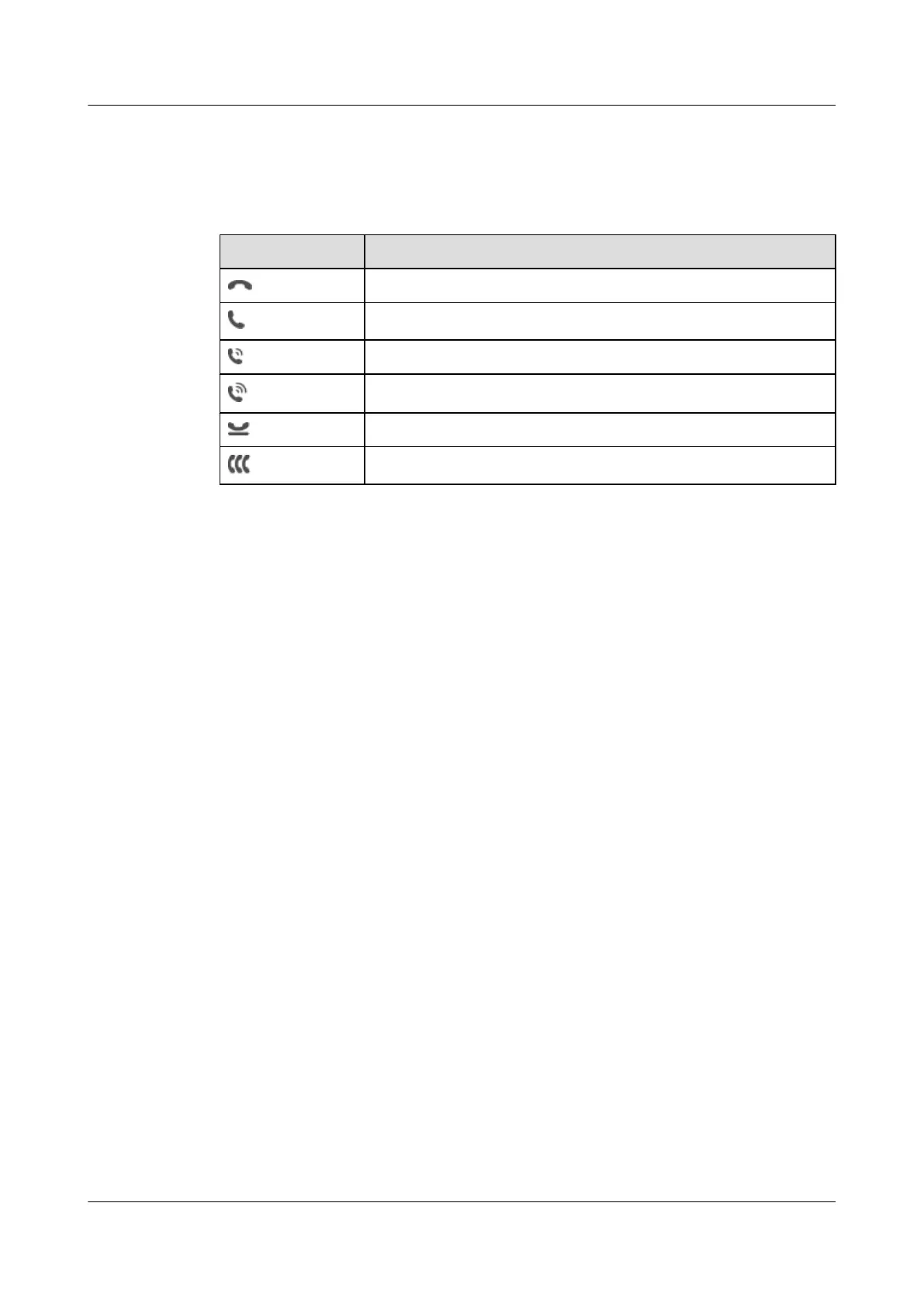
Table 3-1 describes the line button-related icons.
Table 3-1 Line button-related icons
Icon Description
The line is in standby state (or called idle state).
The line is in dialing state.
The line is in callout state.
The line is in talking state.
The line is in active call hold state.
The line is in a conference call.
eSpace 8950 IP Phone
User Guide 3 Multi-line Support
Issue 03 (2014-10-16) Huawei Proprietary and Confidential
Copyright © Huawei Technologies Co., Ltd.
20



 To Next Page