HUAWEI P6-U06 Smartphone FAQs
Huawei Proprietary and Confidential
Copyright © Huawei Technologies Co., Ltd
You may visit the website of your email service provider to check the method for configuring
a POP3 email account.
You can only set up your email account automatically for certain email boxes for which
settings are preconfigured on your phone.
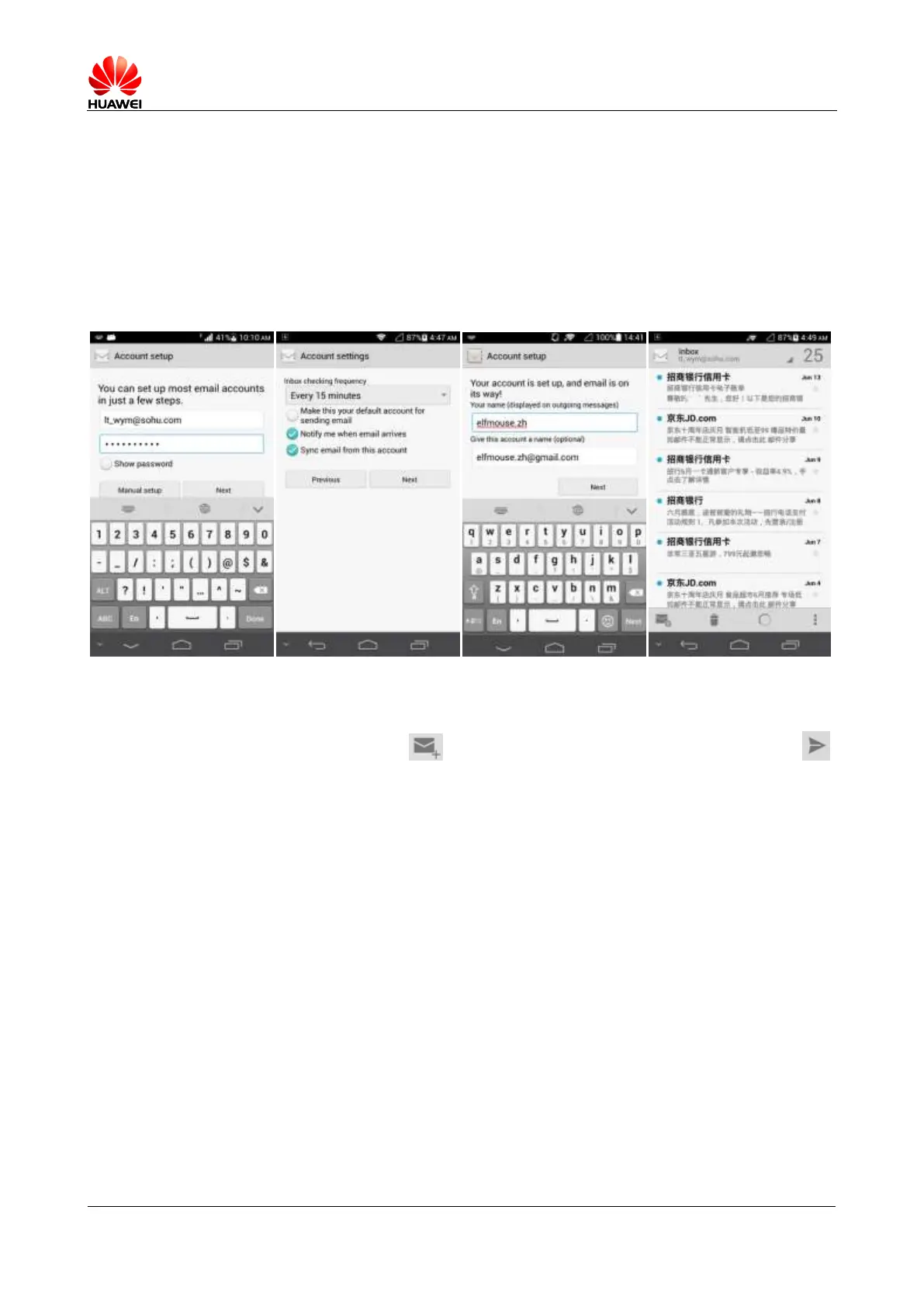
1. On the Account settings screen, enter your email address and password.
2. Touch Next, and configure the POP3 receiving server settings.
3. Touch Next, and set the user name and email account.
4. Touch Next. You will then access the inbox of the email account.
Sending an email
On the Inbox screen, touch , enter the recipient, subject, email content, and touch .



 To Next Page