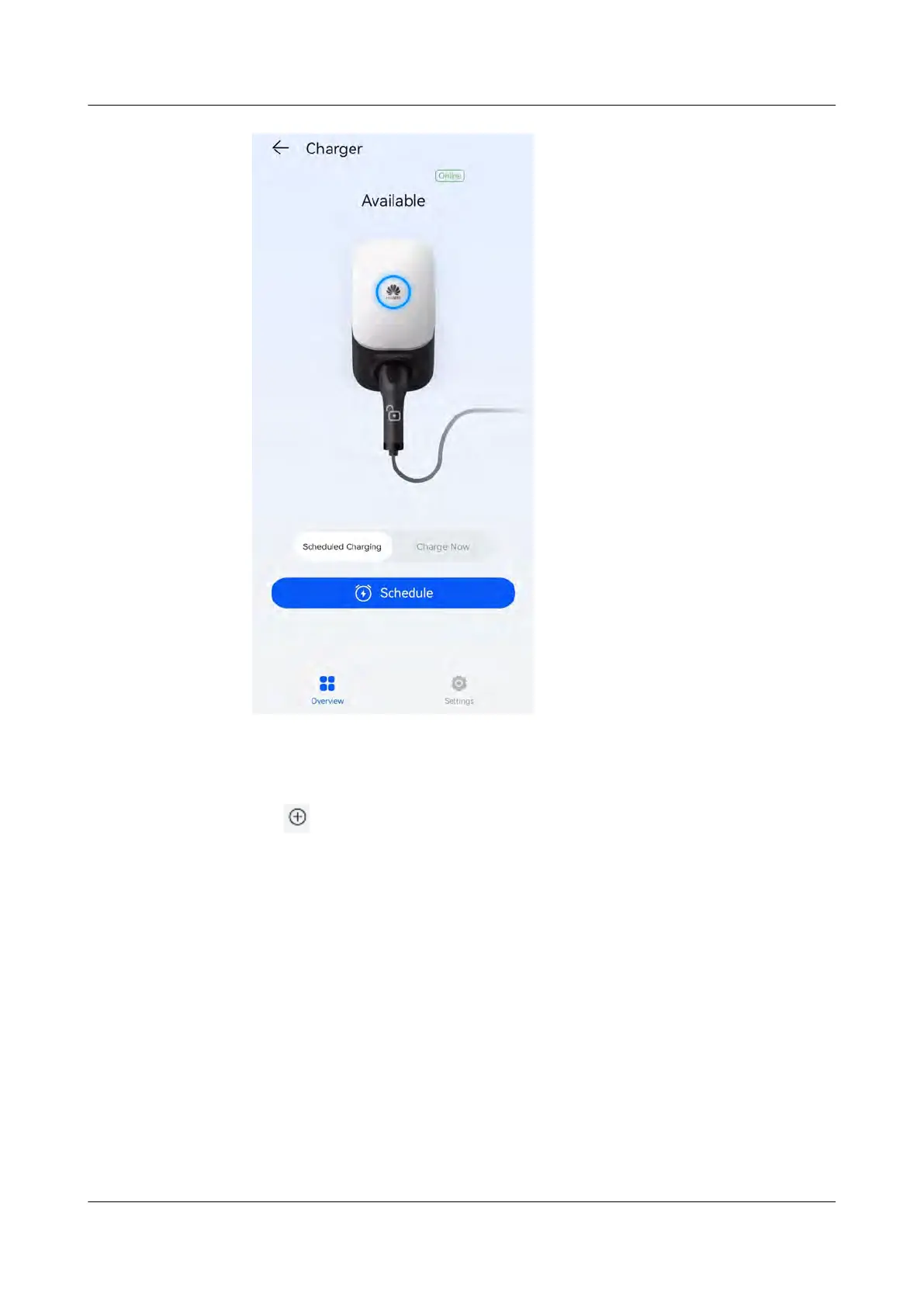
Setting the Scheduled Charging Time
1.
On the charger screen, choose Settings > Scheduled Charging.
● Tap
to set the charging start time and end time.
● Tap a scheduled charging plan to edit it.
PV+ESS+Charger Solution
User Manual 4 System Commissioning
Issue 02 (2023-01-13) Copyright © Huawei Technologies Co., Ltd. 54



 To Next Page