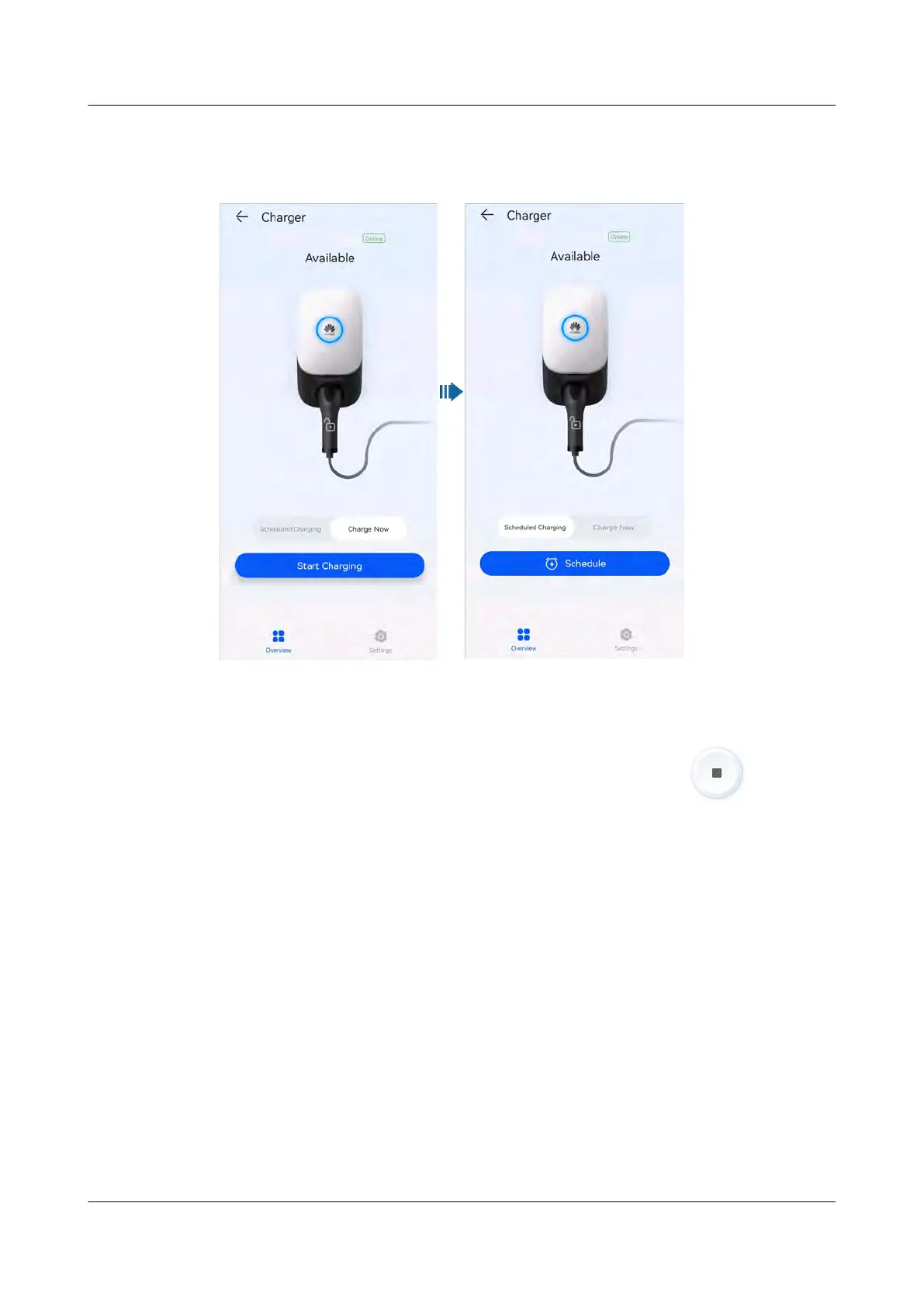
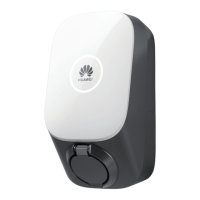
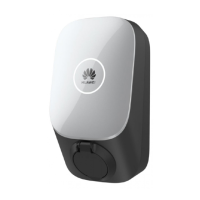
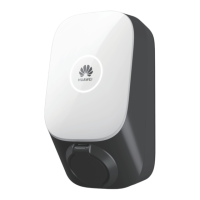
If the indicator on the charger turns blue on and o cyclically (on for 0.5s and o
for 0.5s), the charger is in the charging state. If the indicator is pulsating blue for
4s and o for 1s cyclically, the charger is in the scheduled charging waiting state.
Stopping Charging
Af
ter the vehicle is fully charged, the charger automatically stops charging. In this
case, the indicator is steady blue. You can also touch and hold
on the app
to stop char
ging.
4.5.4 Start Charging Through Bluetooth Authentication
Complete the Bluetooth pairing of the charger on the FusionSolar app. Ensure that
the app is running and the Bluetooth function of the phone is enabled. When the
phone is close to the charger, the identity authentication is automatically
completed and the charging starts.
Precautions
● Insert the charging connector completely into the charger and the charging
port of a vehicle. If the indicator on the charger turns blue on and o
cyclically (on for 4s and o for 1s), the charger is successfully connected to
the v
ehicle.
● When you use the Bluetooth authentication function for the rst time, enable
the Bluetooth funct
ion on your phone. Log in to the FusionSolar app as an
owner, and enable Authentication via Bluetooth on the charger settings
screen to perform Bluetooth pairing.
PV+ESS+Charger Solution
User Manual 4 System Commissioning
Issue 02 (2023-01-13) Copyright © Huawei Technologies Co., Ltd. 56



 To Next Page