80
Introduction to Navigation
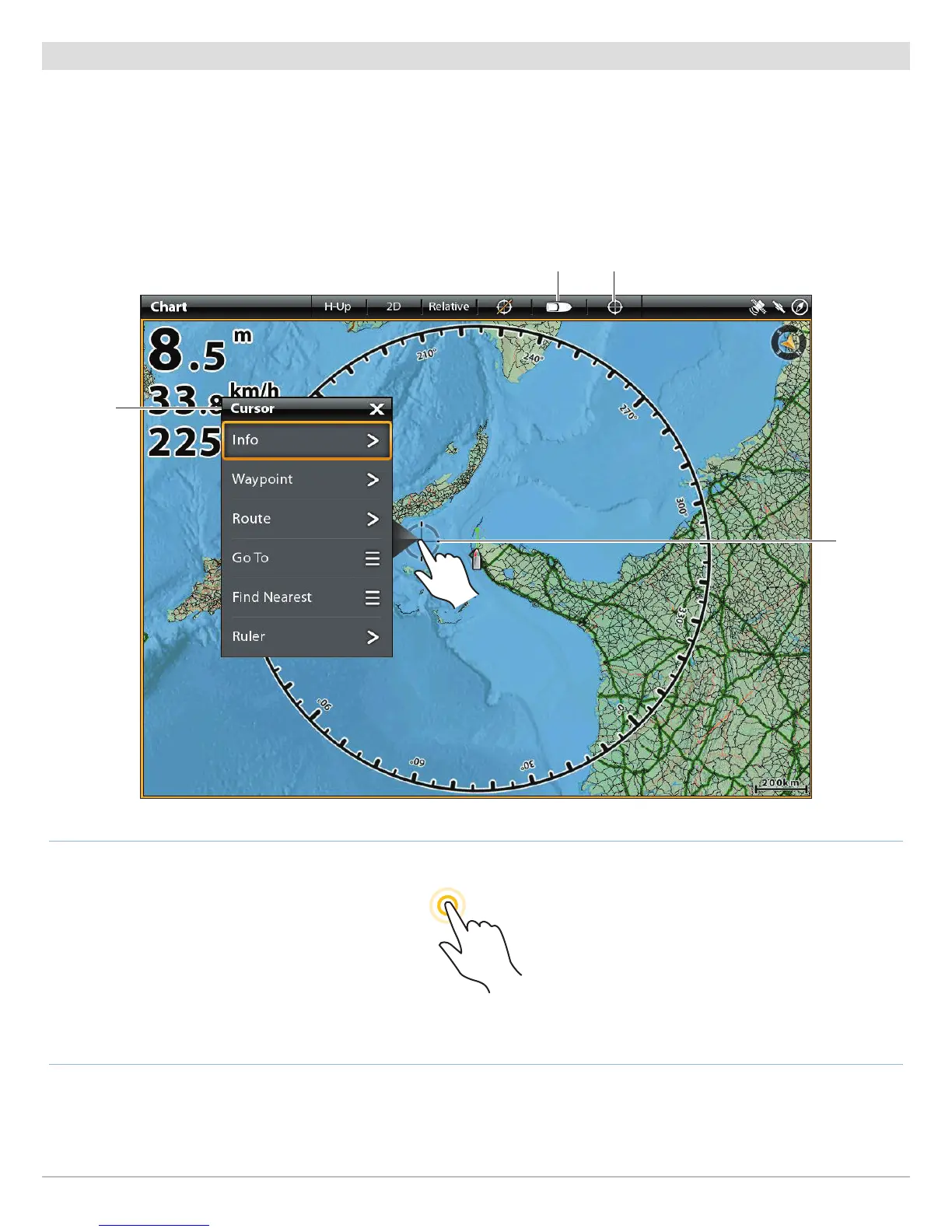
Cursor Menu
The Cursor menu is another way to use the touch sceen and mark a waypoint, create a route, or start a search. The Cursor menu is
only available in the 2D Chart View, Sonar Views, and the Radar View.
Open the Cursor Menu
1. Press and hold a position on the Chart View.
Displaying the Cursor Menu
Press and Hold
show vessel show cursor
cursor menu
cursor


 To Next Page
 Loading...











