106
Manage Navigation Data
D
elete a Route
1. Under Lists, select Routes.
2. Press and hold a route. Select Info.
OR
Use the Joystick to select a route. Press the ENTER key.
3. Select Full Info.
4. Select Delete Route.
Manage Tracks
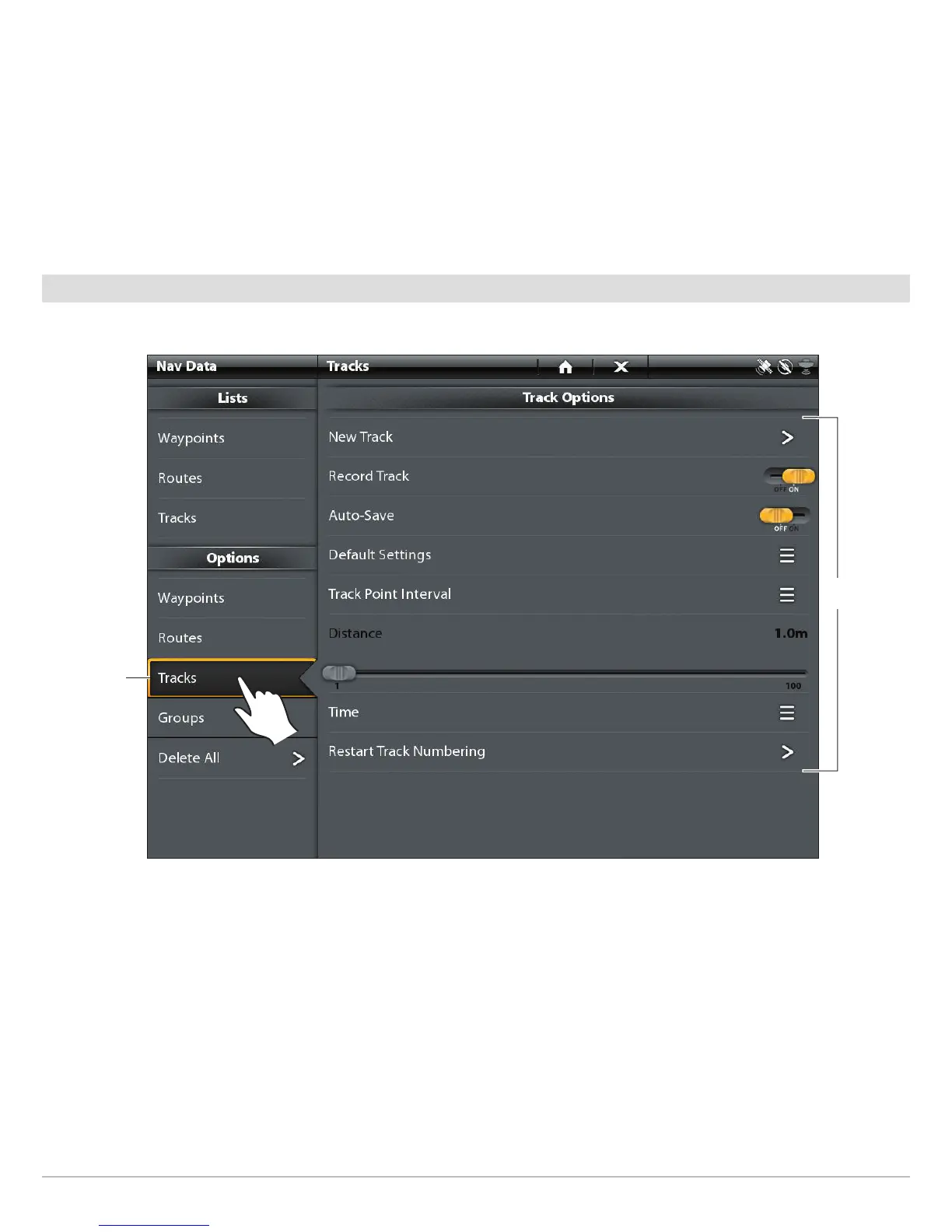
Start a New Track
The Record Track menu must be turned on to enable this feature.
1. Under Options, select Tracks.
2. Select New Track.
Track Options for the Current Track
select tracks
track
options


 To Next Page
 Loading...










