EasyManua.ls Logo

HunterDouglas Luminette - User Manual

Default Icon
32 pages
Print Icon
To Next Page IconTo Next Page
Loading...
Installation
Operation
Care
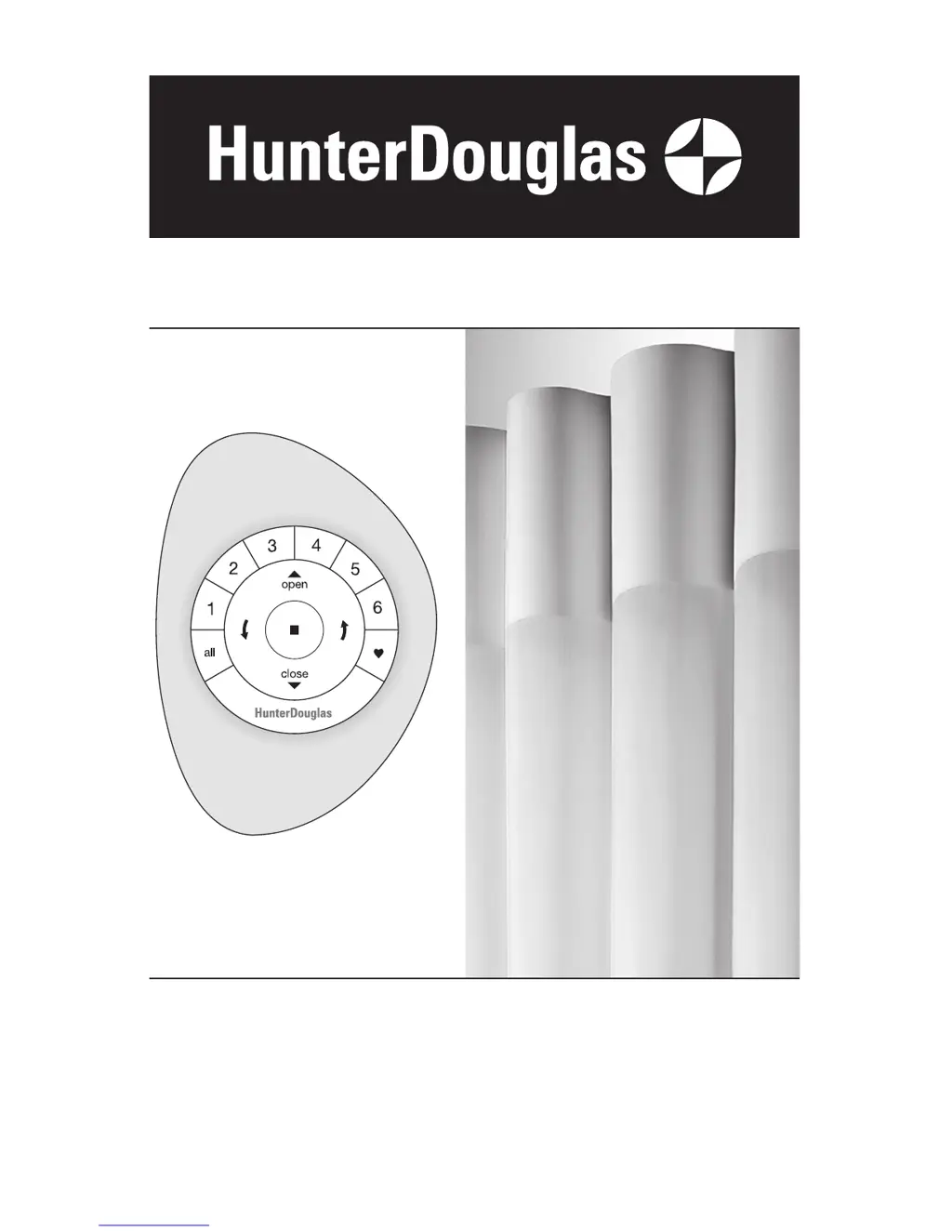
Luminette
®
Privacy Sheers
PowerView
Motorization

Other manuals for HunterDouglas Luminette

Questions and Answers

  • M
    Michael JohnsonSep 9, 2025
    How to install HunterDouglas Luminette Home Automation if the headrail will not fit?
    • B
      brittanywilliamsSep 9, 2025
      If the headrail of your HunterDouglas Home Automation will not fit into the installation brackets, check that the installation brackets are level and aligned. Adjust and/or shim to level if necessary. Also, check that the SofTrak™ headrail is completely inserted into the installation brackets.
  • M
    mcdanielscottAug 23, 2025
    What to do if a vane is out of alignment on HunterDouglas Indoor Furnishing?
    • S
      stephanie01Aug 23, 2025
      To fix a vane that is out of alignment on your HunterDouglas Indoor Furnishing, use the wand to rotate the vanes completely to one side, and then completely to the other side. The vanes should automatically realign. You can also manually turn the pinion clip to align it with the others.
  • P
    Patricia DominguezAug 25, 2025
    What to do if a vane does not hang correctly on my HunterDouglas Indoor Furnishing?
    • R
      Robert ThompsonAug 25, 2025
      If a vane on your HunterDouglas Indoor Furnishing isn't hanging correctly, check that it is completely inserted into the pinion clip. Refer to “Attach the Vanes to the Pinion Clips” on page 15 for detailed instructions.
  • R
    ramosmarkAug 27, 2025
    Why do the vanes not rotate or rotate incorrectly on my HunterDouglas Indoor Furnishing?
    • D
      david79Aug 27, 2025
      If the vanes on your HunterDouglas Indoor Furnishing do not rotate or rotate incorrectly, check that the fabric is fully traversed. Also, make sure there are no obstructions preventing the vanes from moving. Consider replacing any protruding window cranks with T-cranks.
  • K
    Karen LittleAug 27, 2025
    What to do if the fabric end treatment does not hang straight on HunterDouglas Indoor Furnishing?
    • J
      jenniferkingAug 28, 2025
      If the fabric end treatment on your HunterDouglas Indoor Furnishing does not hang straight, separate the hook and loop strips. Then, reposition the end treatment on the swivel plate. Repeat this process until the end treatment hangs straight. See “Attach the End Treatment to the Swivel Plate” on page 17 for more guidance.
  • L
    laurahahnAug 29, 2025
    What to do if a vane does not hang vertically on my HunterDouglas Indoor Furnishing?
    • K
      Karen DrakeAug 29, 2025
      To correct a vane that isn't hanging vertically on your HunterDouglas Indoor Furnishing, ensure the sheer is fully closed. Check for any obstructions hindering the vane's movement. You might also want to replace any protruding window cranks with T-cranks.
  • V
    virginia71Sep 18, 2025
    How to align HunterDouglas Home Automation vane?
    • N
      Natalie WagnerSep 18, 2025
      If a vane of your HunterDouglas Home Automation is out of alignment, manually turn the pinion clip to align it with the remaining pinion clips.
  • A
    Andrea MccoySep 18, 2025
    What to do if HunterDouglas Luminette vane does not hang correctly?
    • R
      rcombsSep 18, 2025
      If a vane of your HunterDouglas Home Automation does not hang correctly, check that the vane is completely inserted into the pinion clip.
  • J
    jlunaSep 7, 2025
    What to do if the fabric of HunterDouglas Luminette does not traverse?
    • K
      Kelly BryanSep 7, 2025
      If the fabric of your HunterDouglas Home Automation does not traverse, or does not traverse easily, check that the installation brackets are level, their front edges are aligned, and there are no obstructions to the movement of the fabric (i.e., the cord is not caught in the brackets).
  • C
    Cynthia GrahamSep 4, 2025
    Why is my HunterDouglas Luminette sheer not responding to the remote?
    • D
      david65Sep 4, 2025
      If your HunterDouglas Home Automation sheer isn't responding to the PowerView™ remote, ensure the correct group number is selected. Also, verify that the batteries in the remote are correctly inserted and are fresh. When you press the STOP button, the LEDs that backlight the remote should be bright.

Summary

Getting Started

Product View

Overview of the Luminette Privacy Sheers and PowerView Motorization components.

Tools and Fasteners Needed

Lists essential tools and fasteners for installation, differentiating provided and user-supplied items.

Unpack the Components

Provides instructions on how to safely unpack the window fashion components and handle the fabric.

Mounting Types and Window Terminology

Defines different mounting methods and terminology for clarity in the installation process.

INSTALLATION

Mount Installation Brackets Inside Ceiling

Detailed steps for installing mounting brackets for inside or ceiling installations.

Measure and Mark Bracket Locations Inside Ceiling

Details how to measure and mark the mounting surface for correct installation bracket placement.

Mount Installation Brackets Outside

Instructions for installing mounting brackets for outside window or door openings.

Adding Clearance Outside Mount

Explains how to use spacer blocks and extension brackets to add clearance for mounting.

Measure and Mark Bracket Locations Outside Mount

Guides on measuring and marking for bracket placement in outside mount installations.

Mount Spacer Blocks Extension Brackets

Instructions for drilling holes and attaching spacer blocks or extension brackets to the mounting surface.

Shim the Brackets

Guidance on using shims to ensure brackets are level and properly aligned during installation.

Bracket Locations Corner Bay Windows

Specific instructions for mounting brackets on corner or bay window configurations.

Install SofTrak Headrail

Steps to correctly install the SofTrak headrail into the mounted brackets for secure operation.

Side-by-Side Installations Simulated Split Stack

Details on configuring simulated split stack systems for side-by-side fabric stacking.

Connect PowerView Components

Instructions for connecting the motor assembly and other PowerView components.

Connect DC Power Supply

Guide to connecting the DC power supply to the motor assembly and testing operation.

Test Headrail Operation

Procedures for testing the headrail's movement and travel limits after installation.

Attach Fabric Panels

Steps for attaching the fabric vanes to the headrail's pinion clips.

Attach Swivel Plates

Instructions for attaching swivel plates to the end treatments and swivel arms or clips.

Attach End Treatments to Swivel Plates

Guidance on attaching end treatments to swivel plates, ensuring proper alignment and hanging.

OPERATION

Using the PowerView Remote

Instructions for operating the Luminette sheers using the PowerView remote control.

Basic Operation

Details on basic remote functions like opening, closing, and stopping the sheer movement.

Resetting the Sheer

Procedures for resetting travel limits and shade programming for the sheer.

Troubleshooting

Common problems and solutions for ensuring the sheer operates correctly.

CARE

Removing Fabric Motor Headrail

Instructions for safely removing the fabric, motor, and headrail from the system.

Remove Headrail

Steps to detach the headrail from the mounting brackets after removing fabric and motor.

Cleaning Procedures

Detailed methods for routine, spot, and deep cleaning of Luminette Privacy Sheers fabric.

Injection Extraction Method

Professional cleaning method using injection/extraction equipment for deep fabric cleaning.

Ultrasonic Method

Professional cleaning method using ultrasonic tanks for deep fabric cleaning.

Wrinkle and Crease Removal

Methods for minimizing wrinkles and creases using hand treatment or steam machine.

Additional Product Enhancements

Information on fabric availability for accessories and coordinating window fashions.

DECLARATIONS

US FCC Compliance

FCC compliance statements and regulations for the device's radio frequency operations.

Industry Canada Compliance

Industry Canada regulations and compliance notices for radio frequency devices.

European Conformity

Statements regarding compliance with European EMC and R&TTE directives.

LIFETIME GUARANTEE

Covered by Lifetime Limited Warranty

Details of what is covered under the Hunter Douglas Lifetime Limited Warranty for window fashion products.

Not Covered by Lifetime Limited Warranty

Details of conditions and circumstances not covered by the Lifetime Limited Warranty.

To Obtain Warranty Service

Instructions on how to contact Hunter Douglas or dealers for warranty assistance and service.

HunterDouglas Luminette Specifications

General IconGeneral
BrandHunterDouglas
ModelLuminette
CategoryHome Automation
LanguageEnglish

Related product manuals