25
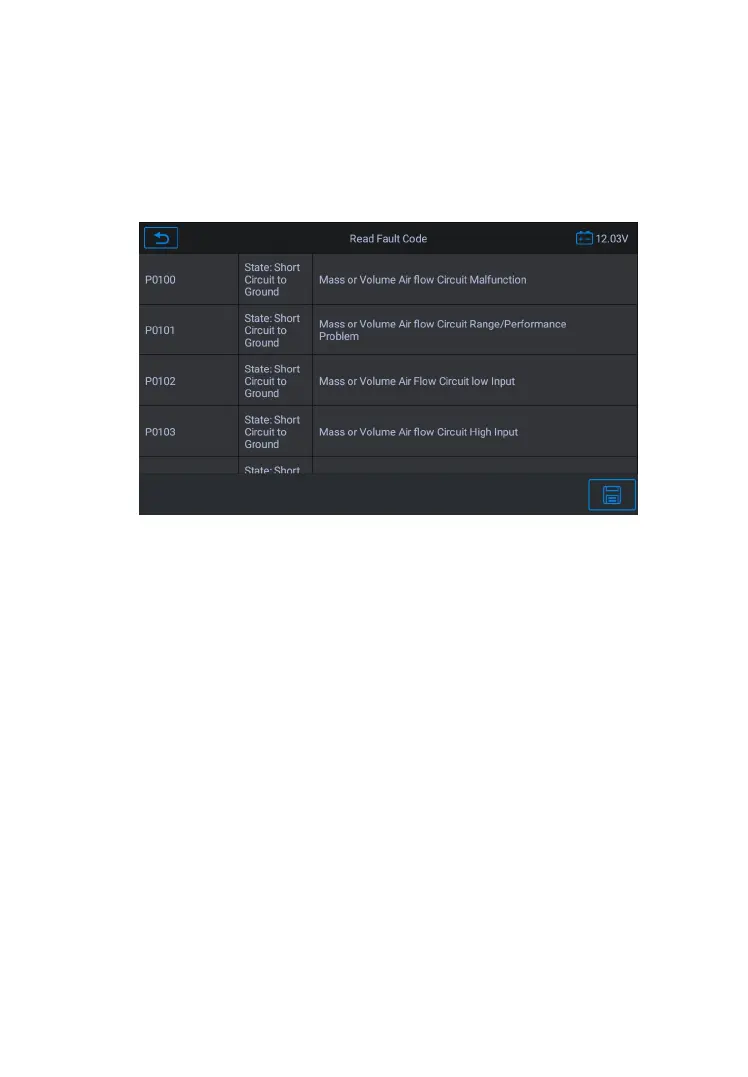
This function retrieves and displays the DTCs from the vehicle’s
control system. The Read Codes screen varies for each vehicle
some vehicles, freeze frame data can also be retrieved for viewing.
The sample Read Codes screen displays as below:
Figure 4-13 Sample Read Fault Codes Screen
Save – tap this icon to save the information related to the
Back – tap it to return to the previous screen or exit the
Clear Fault Codes
After reading the retrieved codes from the vehicle and certain repairs
have been carried out, you can erase the codes from the vehicle
Before performing this function, make sure the vehicle’s ignition key
is in the ON (RUN) position with the engine off.
1. Tap
Clear Fault Codes
from the Function Menu.
2. A warning message displays to inform you of data loss if this










 To Next Page