26
a) Tap Yes to continue. A confirming screen displays when
the operation is successfully done.
3. Tap ESC on the confirming screen to exit Erase Codes.
4. Perform the Read Codes function again to check if codes
have been erased successfully.
View Data
When this function is selected, the screen displays the data list for
the selected module. The items available for any control module vary
from one vehicle to another. The parameters display in the order that
they are transmitted by the ECM, so expect variation between
Gesture scrolling allows you to quickly move through the data list.
Simply swipe the screen up or down to locate the data you want. The
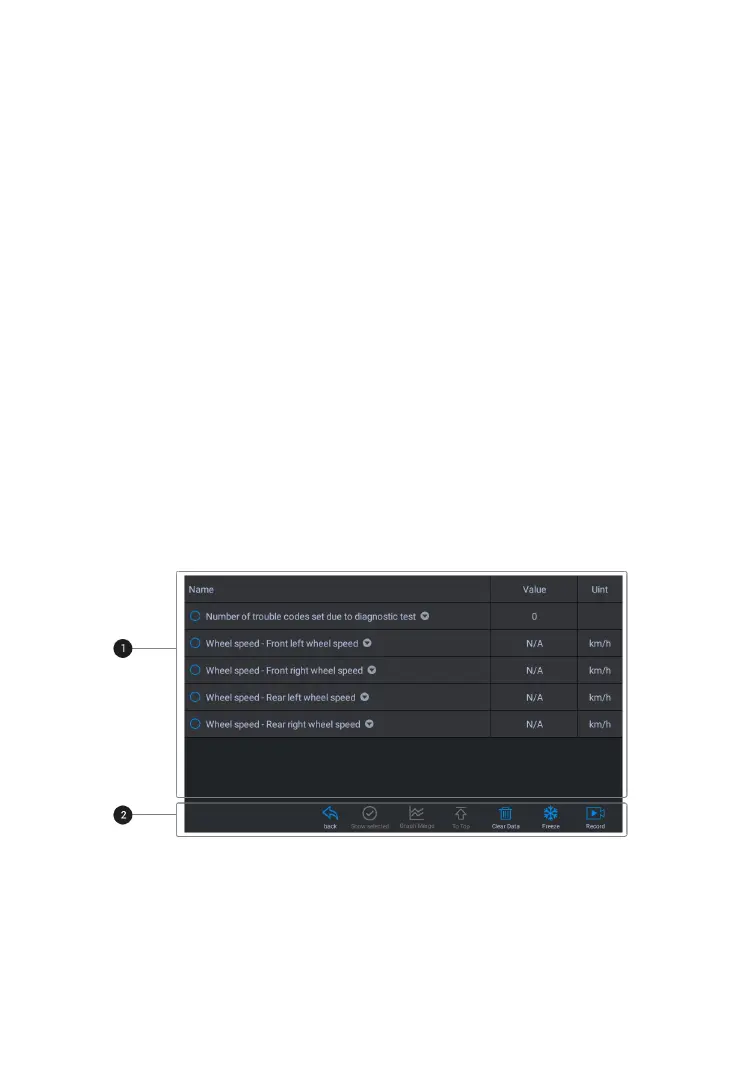
figure below shows a typical Live Data screen:
Figure 4-14 Sample Live Data Screen
Name Column – displays the parameter names.
a) Check Box – tap the check box on the left side of the










 To Next Page