38
are reset. Failure to do so may result in incorrect service values and
cause DTCs to be stored by the relevant control module.
NOTE
For some vehicles, the scan tool can perform added functionality to
reset additional service lights (maintenance cycle, service interval).
Using BMW as an example, its service reset function includes engine
oil, spark plugs, front/rear brakes, coolant, particle filter, brake fluid,
micro filter, vehicle inspection, exhaust emission inspection and
All software screens shown in this manual are examples, actual test
screens may vary for each vehicle being tested. Observe the menu
titles and on-screen instructions to make correct option selections.
To perform oil reset functions
1. Tap the Service application button from the CR MAX Job Menu.
2. Tap Oil Reset button and wait for the vehicle manufacturer
screen. You can tap VIN Scan or the vehicle make to acquire
vehicle VIN information and tap Yes to confirm. See Vehicle
Identification on page 14 for detail.
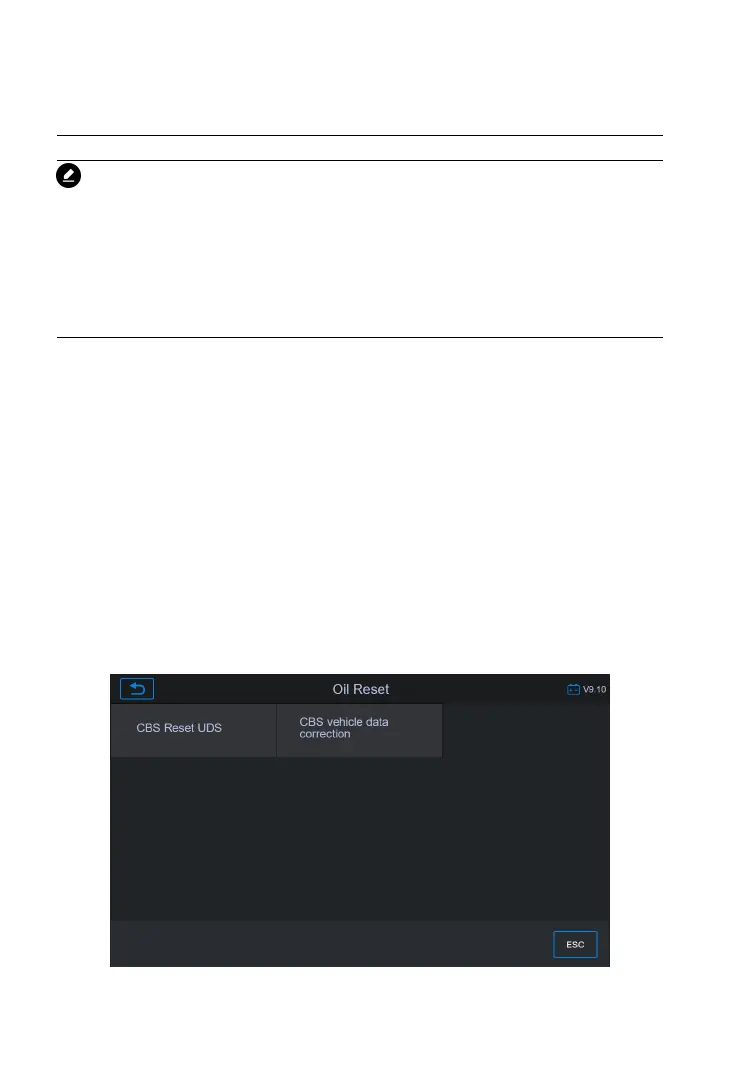
3. Tap the function you want in the Oil Reset function list, the list
may vary for different vehicles being tested.










 To Next Page