39
Figure 5-5 Sample Oil Reset Function List
4. Follow the step-by-step on-screen instruction to complete the
service. Using CBS Reset UDS as an example.
5. Tap CBS Reset UDS on the Oil Reset function list to start the
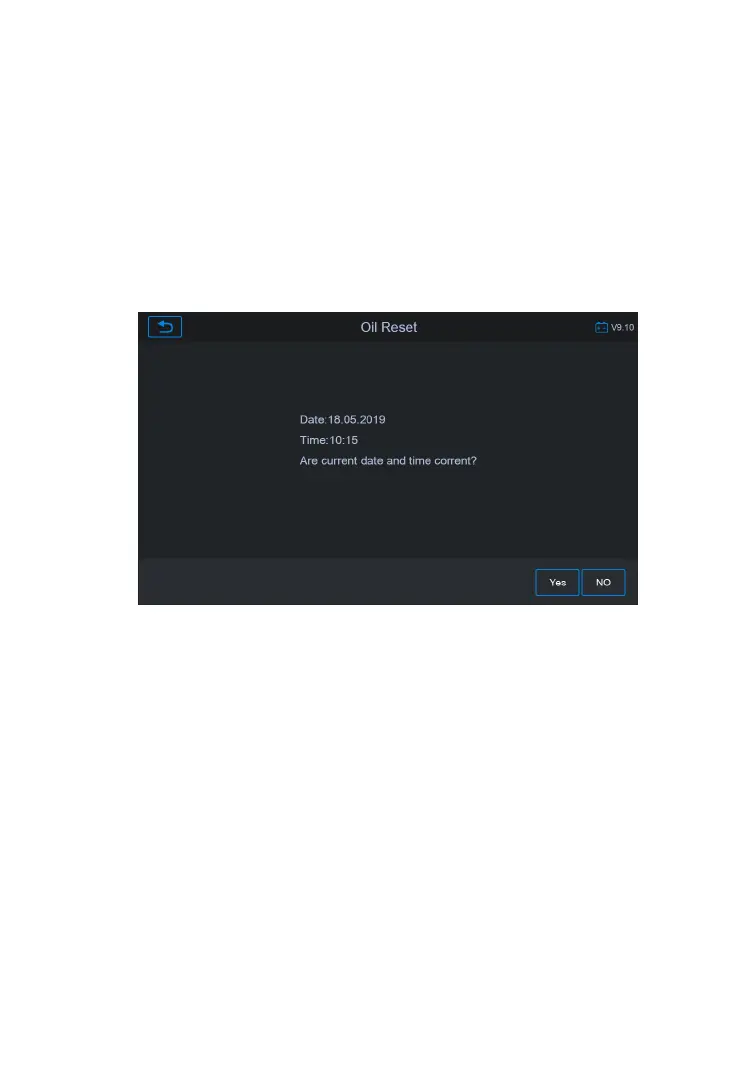
operation. The screen will guide you to confirm the date and
time, if the displayed date and time are correct, tap Yes to
confirm. If not, tap No and go to the Settings menu to set the
Figure 5-6 Sample Oil Reset Service Screen 1
6. On the next screen, the available items would be listed with
three columns displayed: CBS value, availability, and service










 To Next Page