35
8
SELCALL (Selective Calling)
7
8
In addition to the tone squelch operation for silent stand-by,
the SelCall (Selective Calling) operation can be used. In tone
squelch (Group mode), there are 51 tone/code options when
making a call. SelCall offers a much more versatile 100,000
options when using 5-tone.
Other options in SelCall are the ability to call another unit
or Group operating on the same channel, as well as station
code/name information, status messages, answer back func-
tionality and auto scan start. These, and many more, can be
set up via the optional CS-440N
CLONING SOFTWARE.
NOTE:
• Channels 5 and 35 are used for the emergency chan-
nels, and SelCall operation is not available on these
channels.
• SelCall transmission is restricted for total of 3 seconds in
a minute. If you try to transmit for more than 3 seconds,
“N/A” appears (when
SCAN
TAG
(Call) is pushed) or error beep
is emitted (when [PTT] is pushed.)
Calling ■
TX code channel selection D
SCAN
TAG
(TX Code CH) allows you to change the TX code channel
with
or .
TX code is a transmittable SelCall code. A maximum of 32
TX code channels can be pre-programmed into the IC-440N
using the optional CS-440N
CLONING SOFTWARE.
To select a TX code channel D
Select the desired CB channel (‘CB-XX’) except channels q
5 and 35.
Push w
F
SET
(Function) to enter Function mode, and then
push
SCAN
TAG
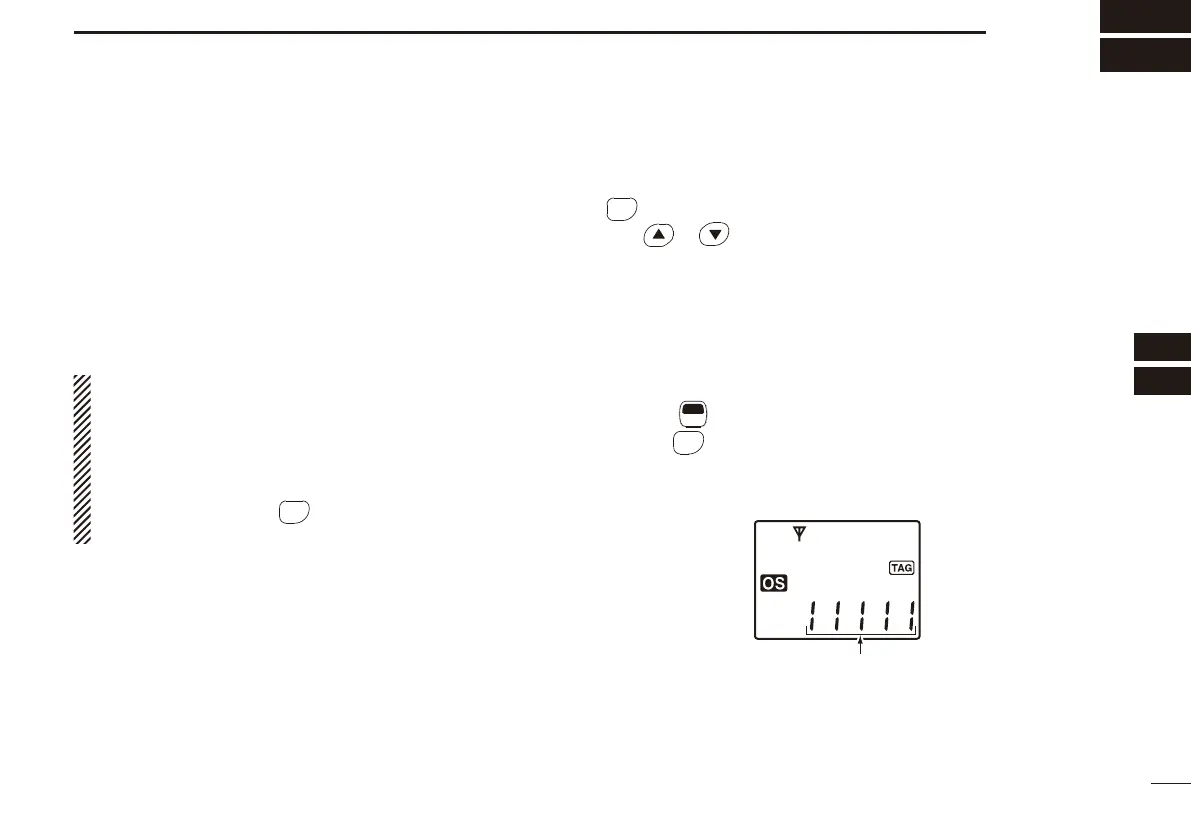
to enter the TX code channel selection mode.
• If the channel name is programmed, the channel name is dis-
played instead of the TX code.
TX code
☞
Continued on the next page.


 To Next Page