42
9
OTHER FUNCTIONS
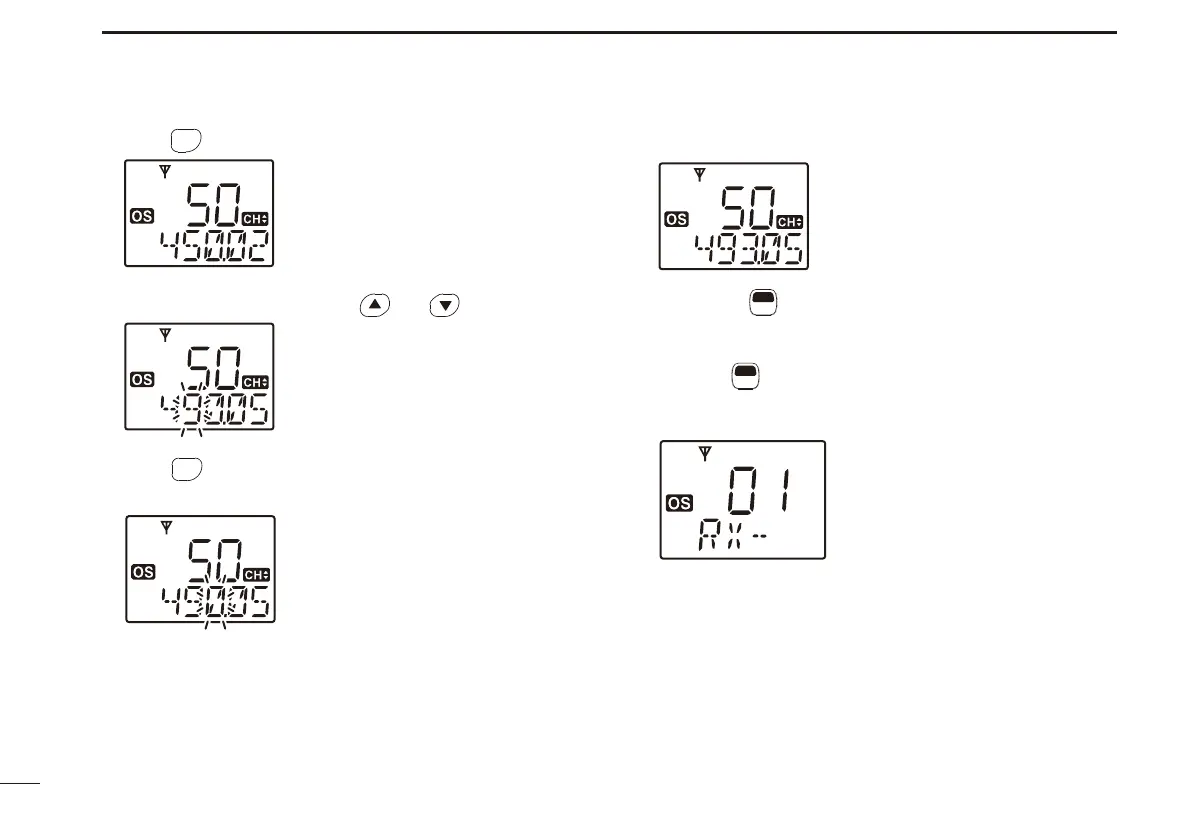
r Push
SCAN
TAG
*
to select the desired digit to be edited.
t Select the desired digit using and .
y Push
SCAN
TAG
*
to set the digit. The editable digit to its right is
automatically selected.
u Repeat steps t and y to input the desired frequency.
i Hold down
F
SET
* for 2 seconds to return to the normal op-
eration mode.
• RX frequency setting is memorised to the channel.
• Pushing
F
SET
* also returns to the normal operation mode. In this
case, the RX frequency setting is not memorised to the channel.
(temporary operation)
*Regardless of the assigned key function.



 To Next Page