52
8
MENUSCREEN
New2001
CH Display
Youcanselect
the number of digits to display the channel
number.
3Digits: Thechannelnumberisdisplayedin3digitssuch
as“01A
.
”
4Digits: Thechannelnumberisdisplayedin4digitssuch
as “1001
.
”
L This setting may not be usable, depending on the transceiver
version or presetting.
CH Close-up
Youcanselectwhetherornottodisplaythechannelname
when changing the operating channel.
On: Thechannelnumberandthechannelnamearebriey
displayed when changing the channel.
Off: The channel name is not displayed on the screen.
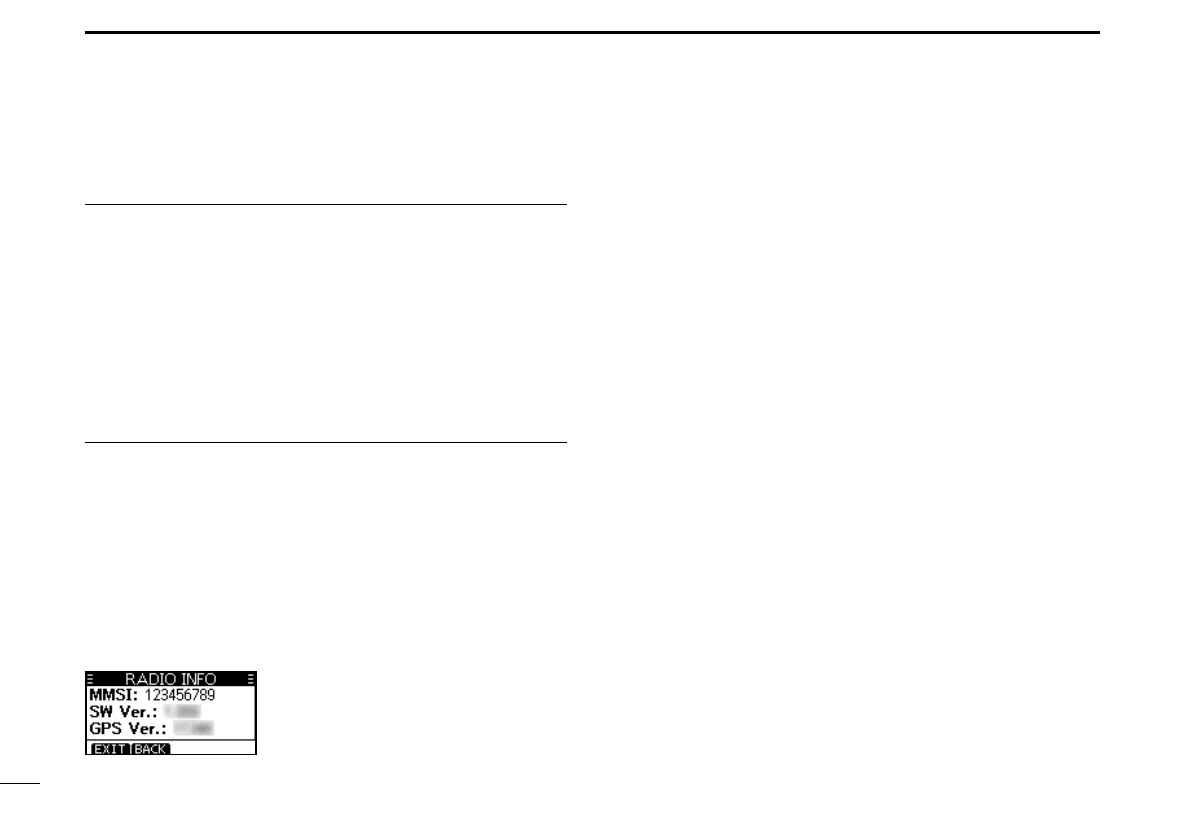
D Radio Info
Displaysyourtransceiver'sMMSI,Softwareversion,and
GPSversionifbuilt-in.



 To Next Page