New2001
x
TABLE OF CONTENTSKEY ICON DESCRIPTION
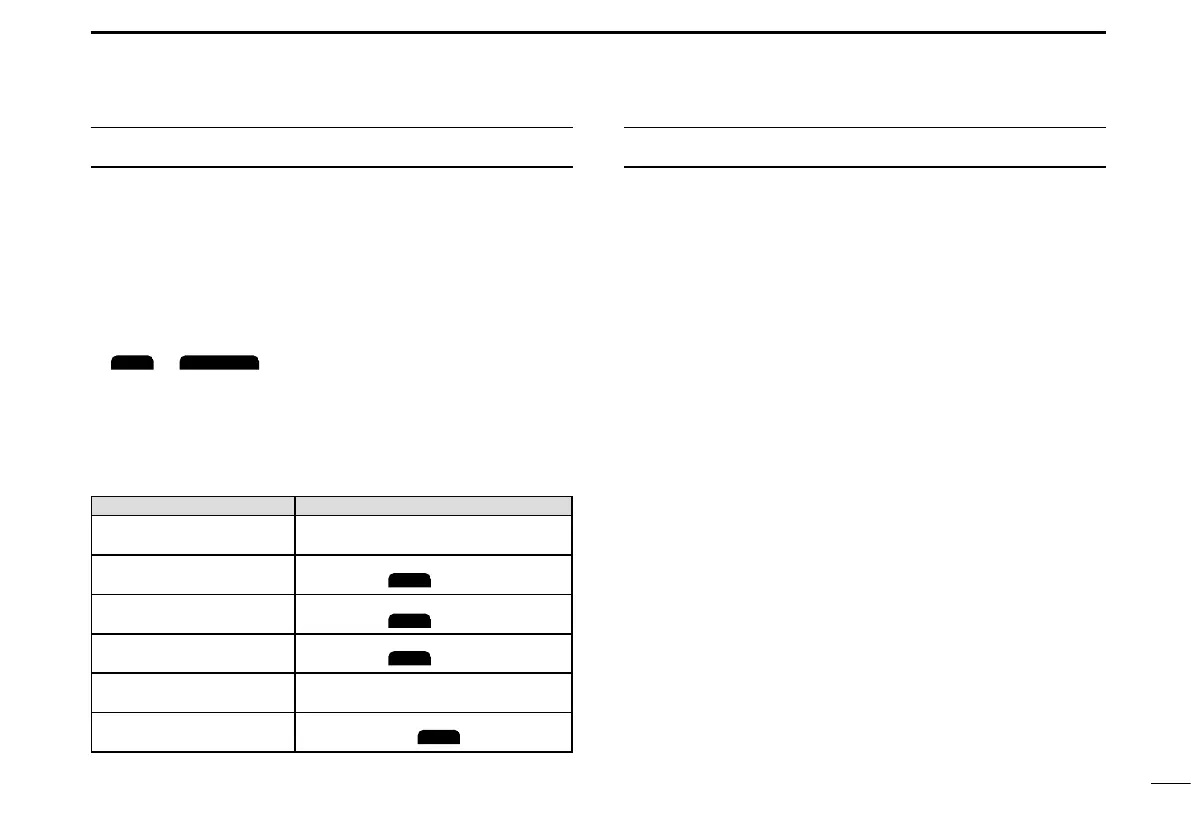
The keys are described in this manual as followings:
z The keys that have an icon on them are described with
the characters “[ ]”.
Example: [MENU], [CLR]
z The software keys are described with the icon such as
or
. The function of the keys are shown at
the bottom of the display. Push the key below the desired
function.
z You can use the following keys on the Menu screen.
FUNCTION ACTION
Select Rotate [DIAL], or push [▼] or [▲].
Enter
Push [ENT],
, or [DIAL].
Go to the next tree level
Push [ENT],
, [DIAL], or [►].
Go back to the previous
tree level
Push [CLR],
, or [◄].
Cancel Push [CLR].
Exit
Push [MENU] or
.
IMPORTANT ..........................................................................i
FEATURES ............................................................................ i
EXPLICIT DEFINITIONS .......................................................i
IN CASE OF EMERGENCY ................................................. ii
RADIO OPERATION WARNING ..........................................iii
AVERTISSEMENT POUR LES OPÉRATEURS RADIO ..... iv
FCC INFORMATION ............................................................ v
INFORMATION FCC ............................................................ v
NOTE ................................................................................... vi
PRECAUTIONS ...................................................................vii
PRÉCAUTIONS ..................................................................viii
RECOMMENDATION .......................................................... ix
INSTALLATION NOTE ........................................................ ix
KEY ICON DESCRIPTION ...................................................x
1. OPERATING RULES .......................................................1
2. PANEL DESCRIPTION ....................................................2
■ Front Panel...................................................................2
■ Function Display...........................................................3
■ Software keys...............................................................4
■ Microphone ..................................................................6
3. PREPARATIONS ............................................................. 7
■ Entering the MMSI code...............................................7
■ Entering the ATIS ID
(For Dutch and German versions)
...8



 To Next Page