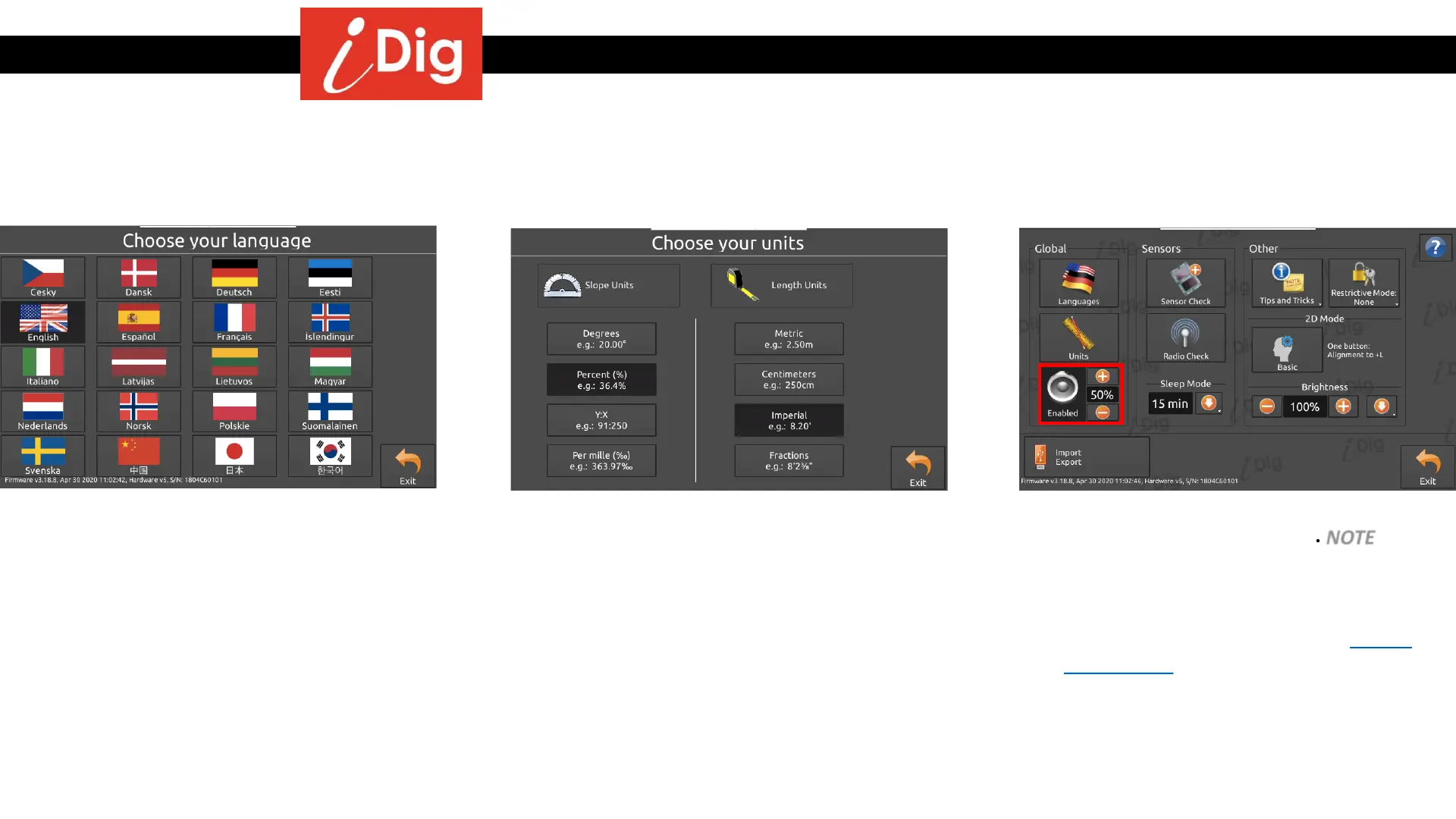
Basic Settings
134
Global Settings
• Change between languages at any time.
• Change Slope units and Length units at any
time.
• Enable or Disable the Audible Alarms as
well as adjusting the volume. NOTE – If you
intend to fine tune or enable/disable
specific audible alarms you will have to
enter the Work Settings menu to do so.
Refer to the appropriate section later in
this manual.



 To Next Page