System Settings
148
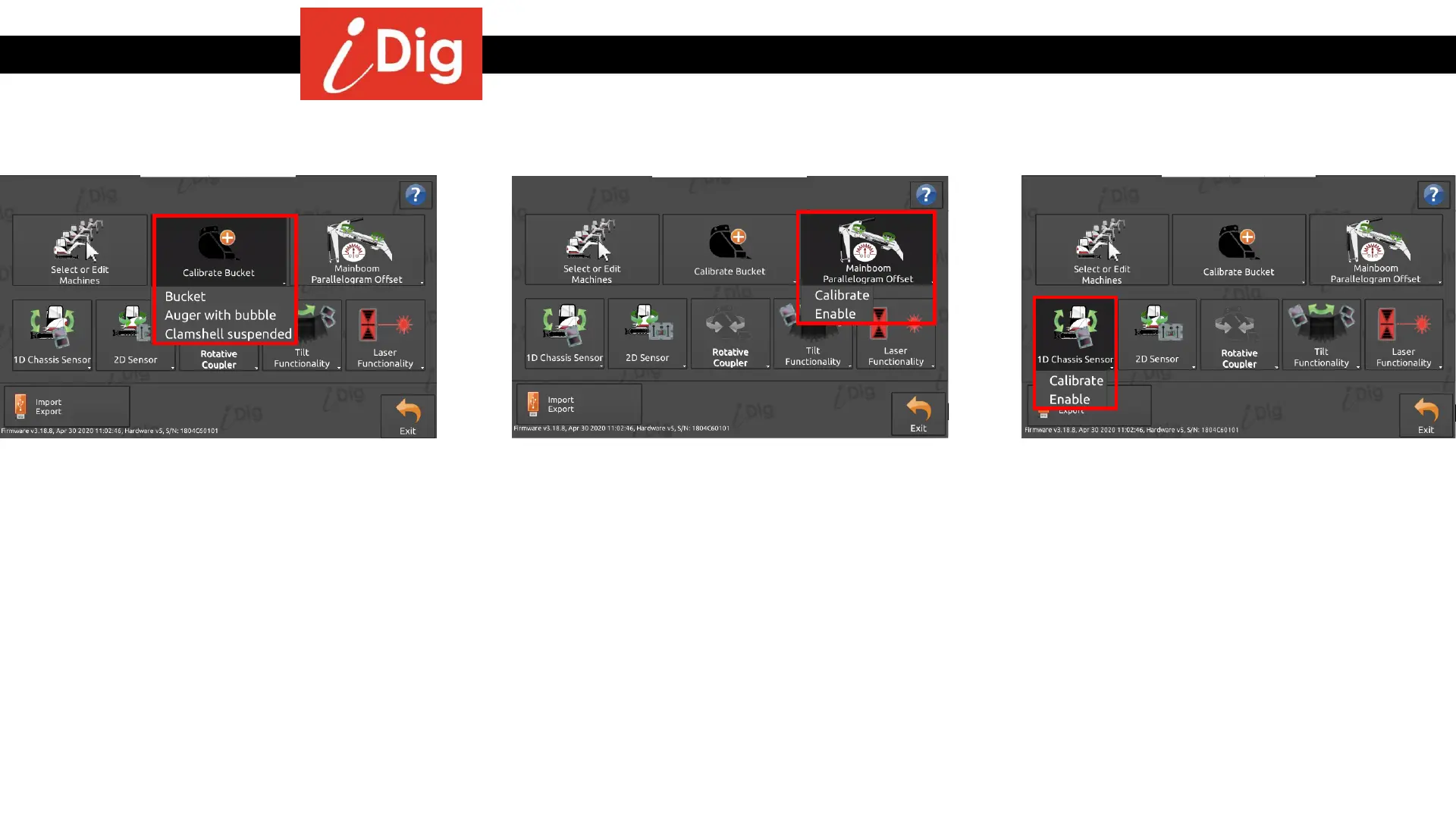
• When you work with several different
buckets, you have to save all the buckets
you want to use with the system. When
you change the bucket, select the
corresponding bucket via the list of
available buckets which is accessible from
the Main Screen if more than one bucket is
programmed.
• Three types of tools are supported: Bucket,
Auger with bubble and Clamshell
suspended.
• This button will launch the calibration
process for the “Mainboom Parallelogram
Offset” or to enable/disable the
functionality.
Calibrate Bucket Mainboom Parallelogram Offset
• An extra Mini Sensor may be installed on
the machine chassis. This option is useful
to improve the system’s accuracy if the
machine isn’t always perfectly level,
building horizontal platforms e.g.
• This button will launch the calibration
process for the “1D Chassis Sensor” or to
enable/disable the functionality.
• This option is not available if you are using
the 2D Sensor.
1D Chassis Sensor



 To Next Page