Installation Procedures – Main Boom & Dipper Stick Calibration
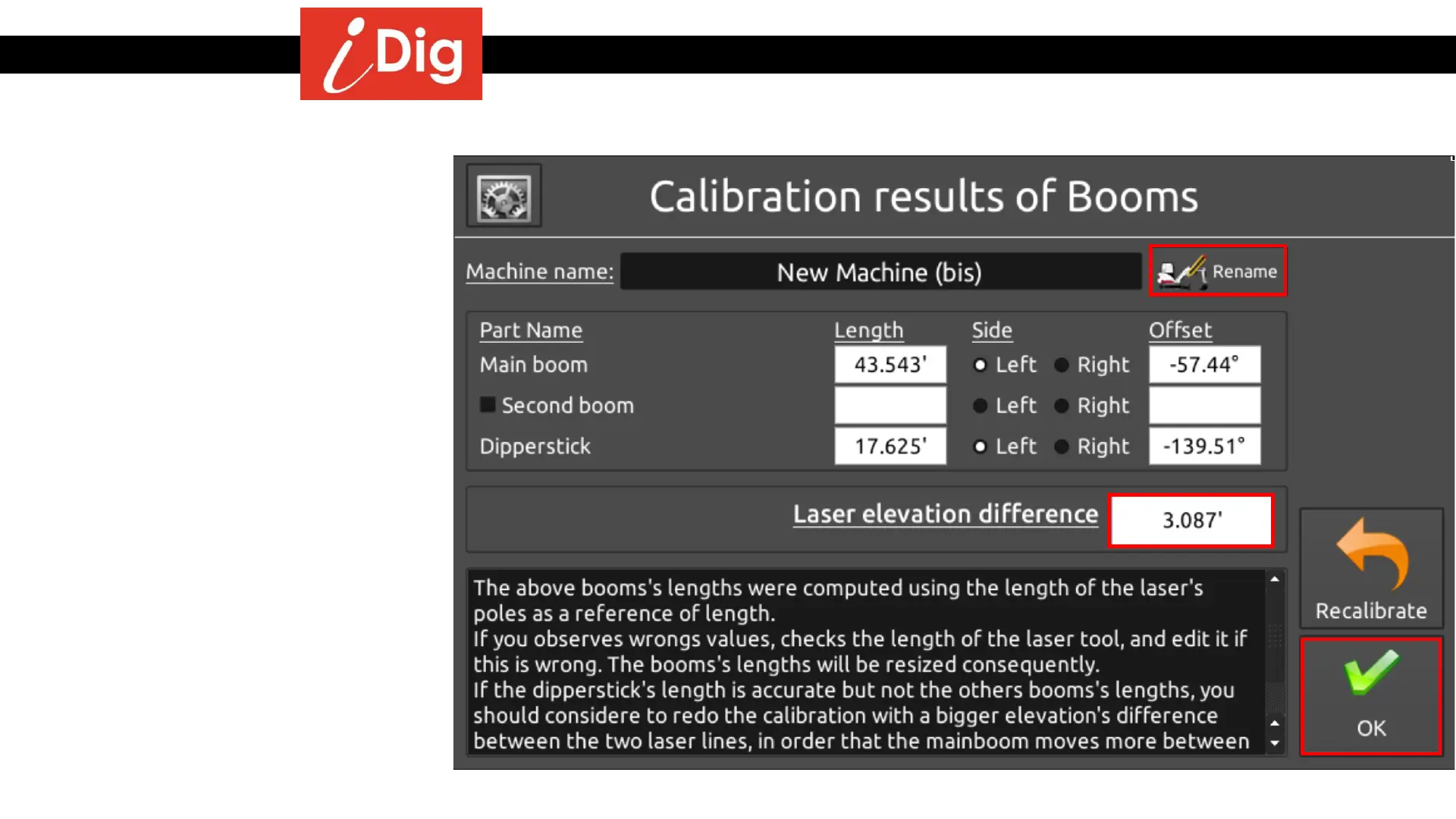
Calibration Results of Booms
• This screen shows the boom’s lengths
that were created during the
calibration process.
• You can give your machine a unique
name by pressing “Rename”.
• If you feel the calculated lengths are
incorrect, measure the length of the
extension tubes. If the value does not
equal the Laser Elevation Difference
listed you can change the value and
the boom’s lengths will be
automatically resized.
• If the dipper stick length is accurate
but the main boom is not, you may
need to recalibrate with a larger laser
elevation difference.
• A variance of ± ½” (10mm) of each
element length is acceptable. Press
the “OK” button and proceed to the
bucket calibration.
22



 To Next Page