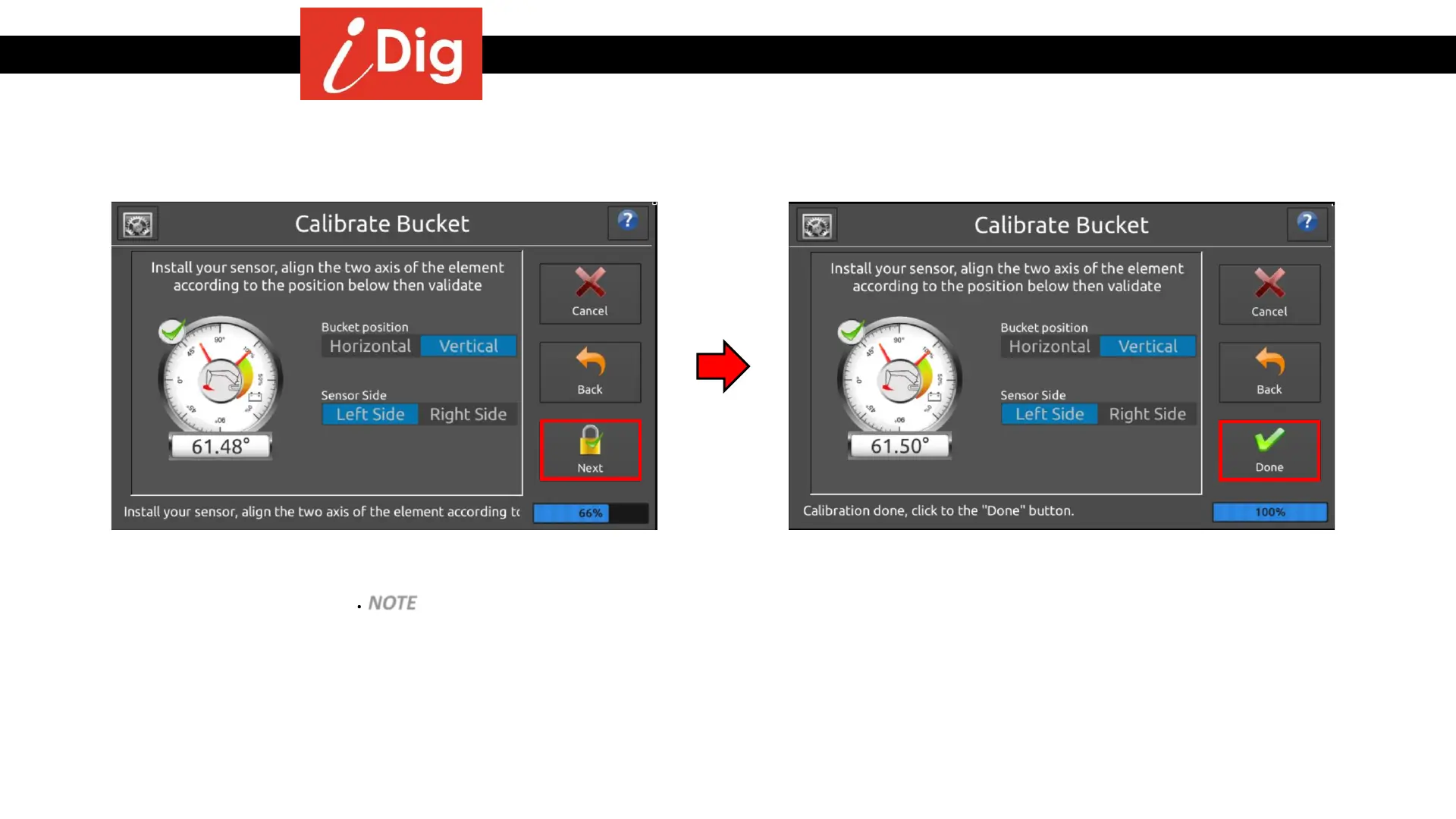
Installation Procedures – Bucket Calibration
Manual Bucket Calibration
• Press “Vertical” so that it is highlighted in blue. Select
which side the Bucket Sensor has been installed so that
it is highlighted in blue. NOTE – sensor side refers to
which direction the plastic cap is facing. If it’s installed
on the left side but inside the coupler, the sensor is on
the Right Side. Press “Next”.
• The bucket will be named in your system as New
Bucket. You’ll need to go into the System Settings menu
to rename the bucket. Additionally, you’ll need to
perform the Floating Bucket procedure so that the
bucket on your screen matches the physical position of
the actual bucket. See next screen for these
instructions. Bucket calibration is done so press
“Done”!
25



 To Next Page