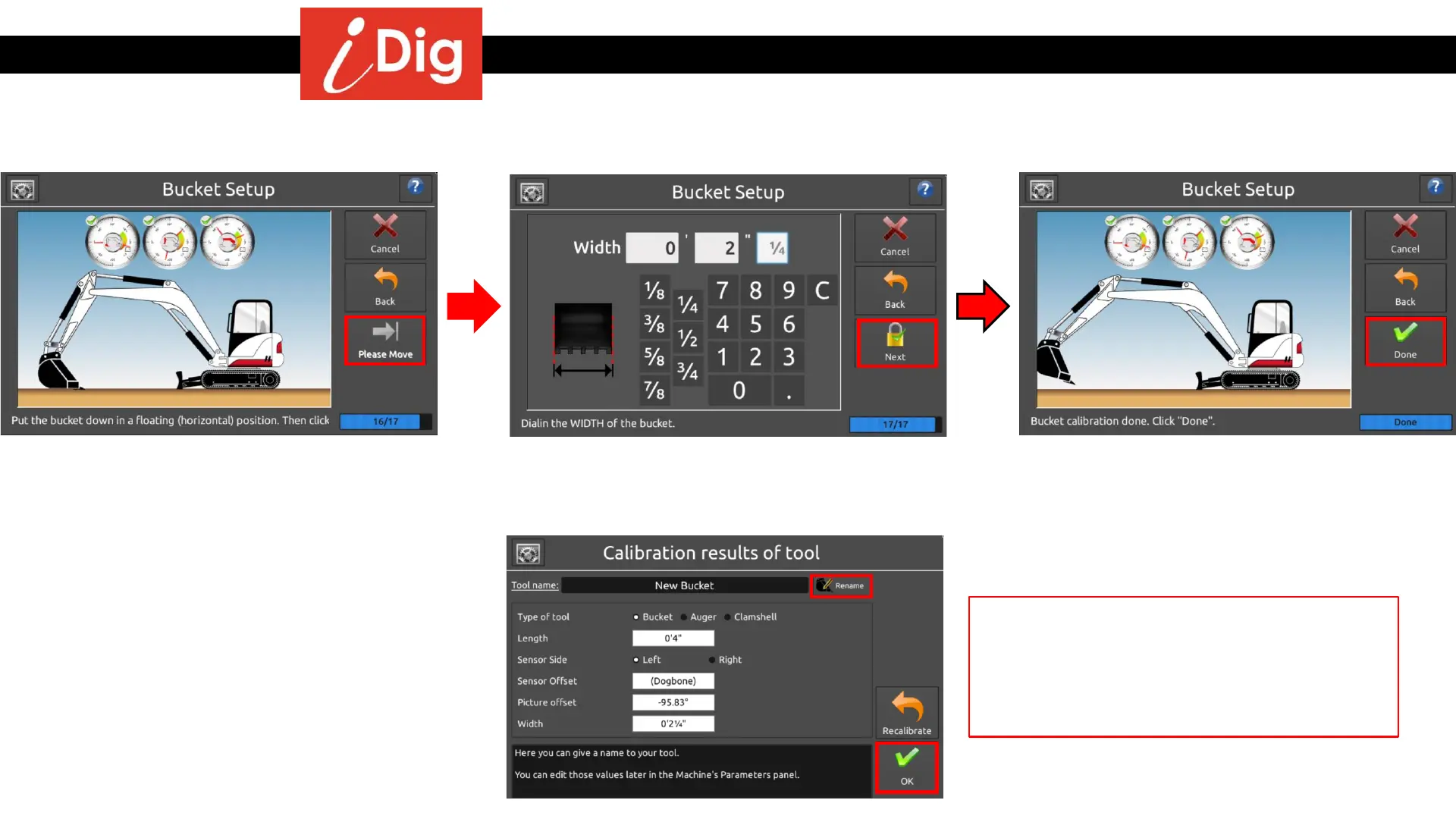
Installation Procedures – Bucket Calibration
Automatic Bucket Calibration - Dog Bone
• Place the bucket on the ground in a flat
floating position. Press “Next”. This will
ensure that the bucket position on the
main working screen mirrors the actual
position of the bucket.
• Your automatic bucket calibration is
complete! Press “Done”
• Enter the bucket width and Press “Next”
The final screen shows your calculated length
and offset for the bucket Sensor. If the values
don’t look correct press “Recalibrate” and
repeat the process. Otherwise you can
rename your bucket and press “OK”
31



 To Next Page