Installation Procedures – Laser Receiver Calibration
Laser Receiver Calibration - Automatic
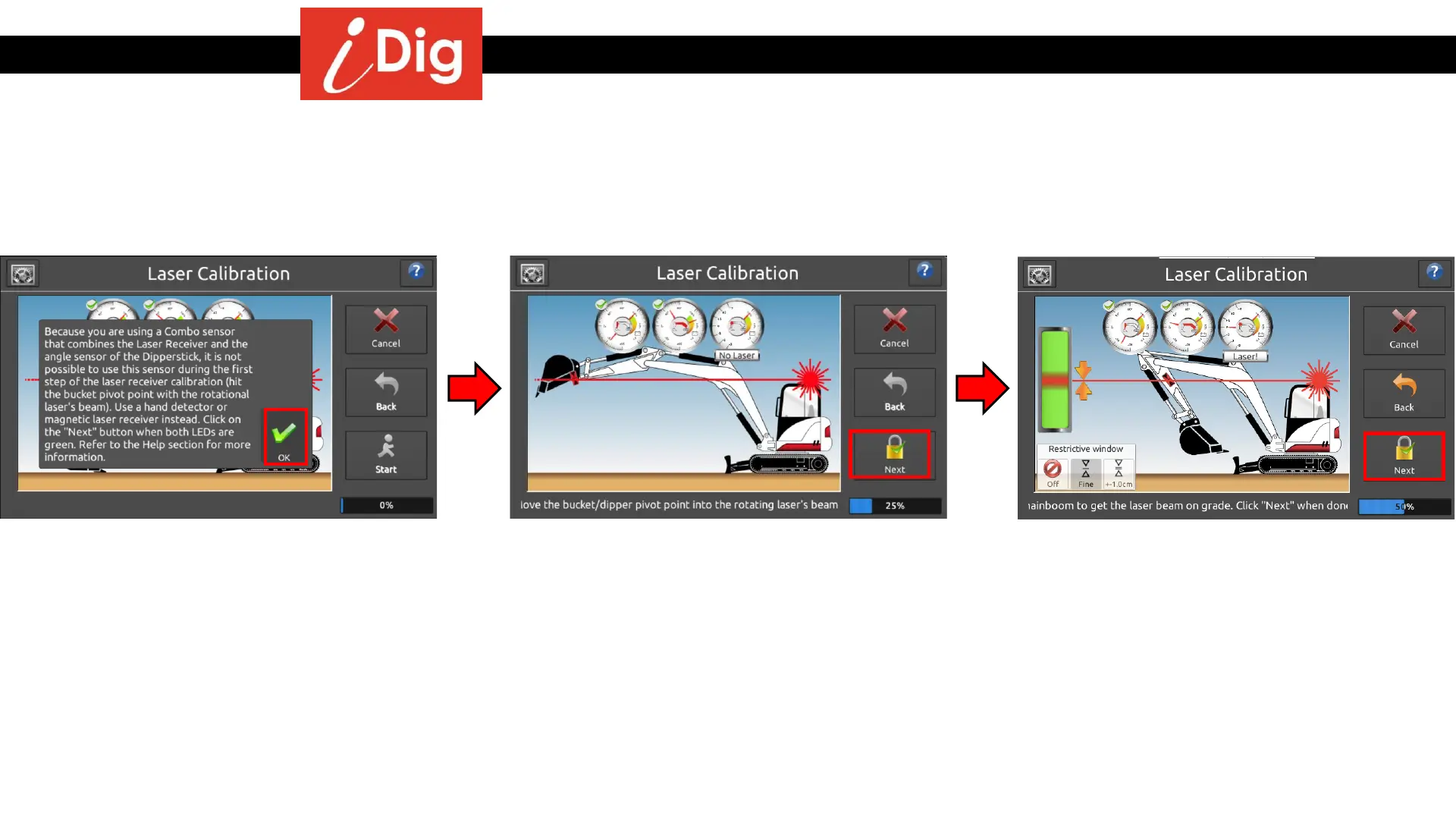
• Read the reminder on the screen and press
“OK”
• Place the laser receiver at the center of the
bucket pivot pin and raise the boom and
dipper stick until you get an on-grade
signal on the hand held receiver. Press
“Next”
• Bring the dipper stick as close to the
machine as possible. Raise or lower the
main boom until you get an on grade signal
from the system. Press “Next”
34



 To Next Page