Installation Procedures – Dozer Calibration
73
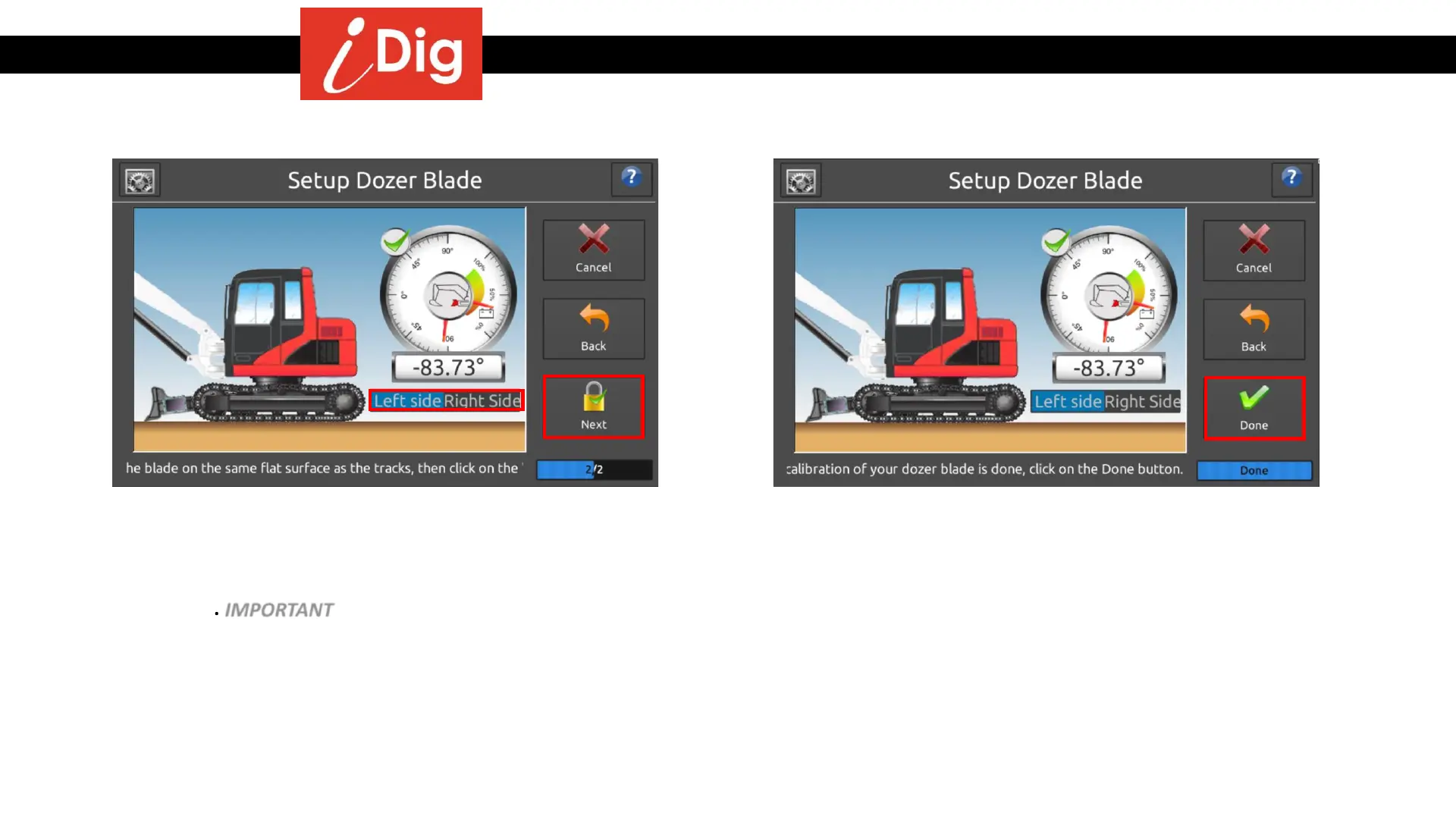
• Select which side of the dozer blade arm the Sensor has
been installed. Relevant to the direction that the
plastic cover of the Sensor is facing.
• Place the blade on the same flat surface as the tracks
are on. IMPORTANT – This final step should be done on
solid, level ground such as asphalt or concrete!
• Click on “Next”.
• The calibration of your dozer blade is complete! Click
on “Done”.



 To Next Page