102 iDirect Satellite Router Installation and Commissioning Guide
iDX Release 3.3
Setting Power
7. If the procedure “Optional Procedure to Determine PN Max Power” on page88 was
performed:
a. Cl
ick the Remote Custom tab.
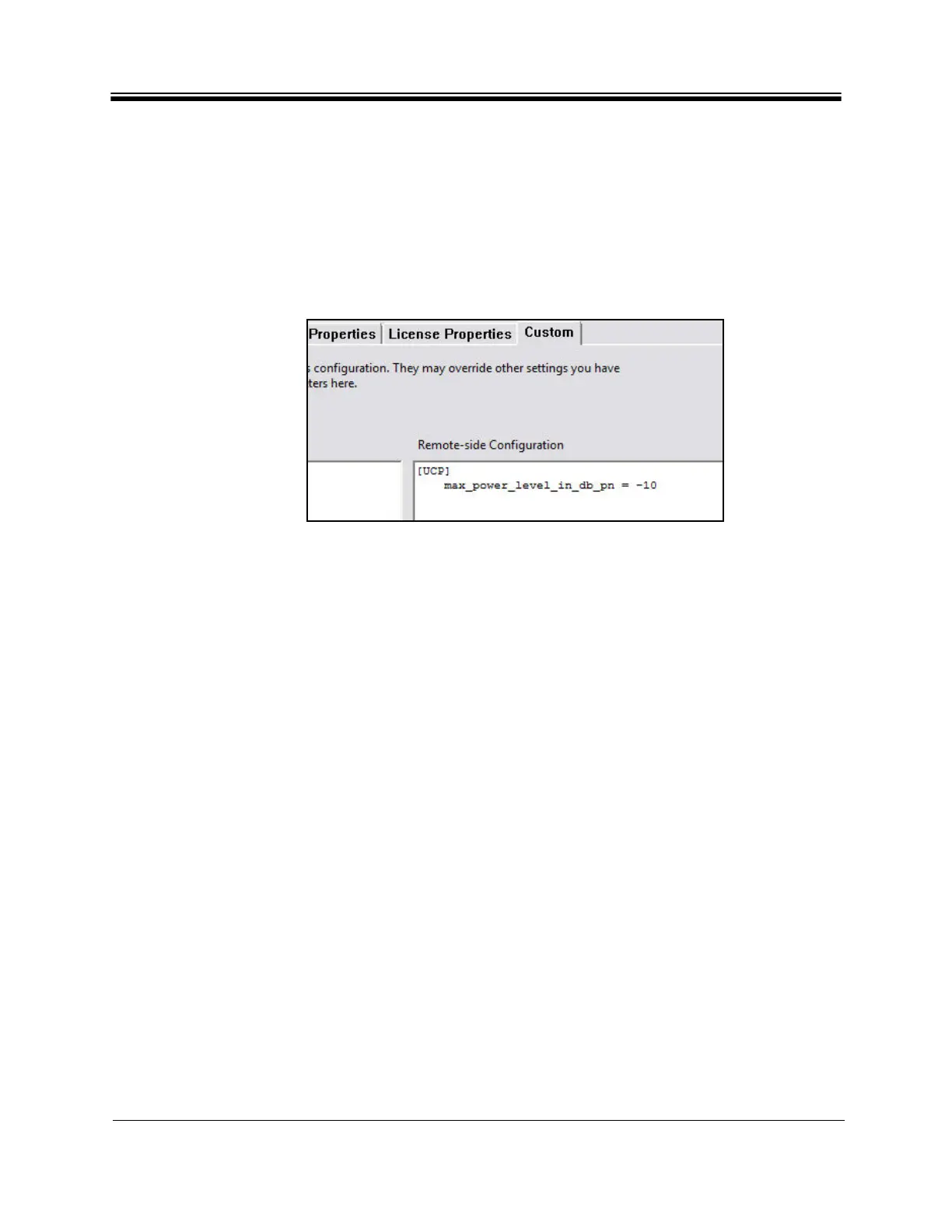
b. Enter the following Re
mote-Side custom key:
[UCP]
max_power_level_in_db_pn = <Modulated Max Power>
wher
e <Modulated Max Power>
is the maximum power determined in “Optional
Procedure to Determine PN Max Power” on page88. This is illustrated in Figure 56.
Figure 56. Setting Modulated Maximum P
ower Custom Key
8. Click OK to save the
changes.
9. Right-click the remote in
the iBuilder Tree and select Apply ConfigurationReliable Both
(TCP).
If commissioning a remote in a TRANSEC network a
n
d authentication has been disabled,
perform the following steps:
1. If the remote has not yet been issued an X.509
certificate, issue the certificate now. (See
the iBuilder User Guide appendix “Using the iDirect CA Foundry” for details.)
2. Re-enable authentication on the remote Information tab by clearing the Disable
Authentication check
box.
3. Click OK to save the
changes.
4. Right-click the remote in
the iBuilder Tree and select Apply ConfigurationReliable Both
(TCP).



 To Next Page