iDirect Satellite Router Installation and Commissioning Guide 47
iDX Release 3.3
9 Loading Packages with
Web iSite
This chapter describes how to log in to Web iSite and how to load the remote image software
package on the X1, X7, and e150 Satellite Routers.
This chapter includes the following sections:
• “Logging In to Web iSite” on page 47
• “Loading the Package File” on page 49
9.1 Logging In to Web iSite
Perform the steps in the following section to establish communication with the Satellite
Router using Web iSite.
To log in:
1. Connect a crossover or straight-through
Ethernet cable between the LAN port of the local
PC and the LAN port of the Satellite Router. (For an Evolution X7, connect to the port
labeled LAN 1.)
2. Open a We
b browser.
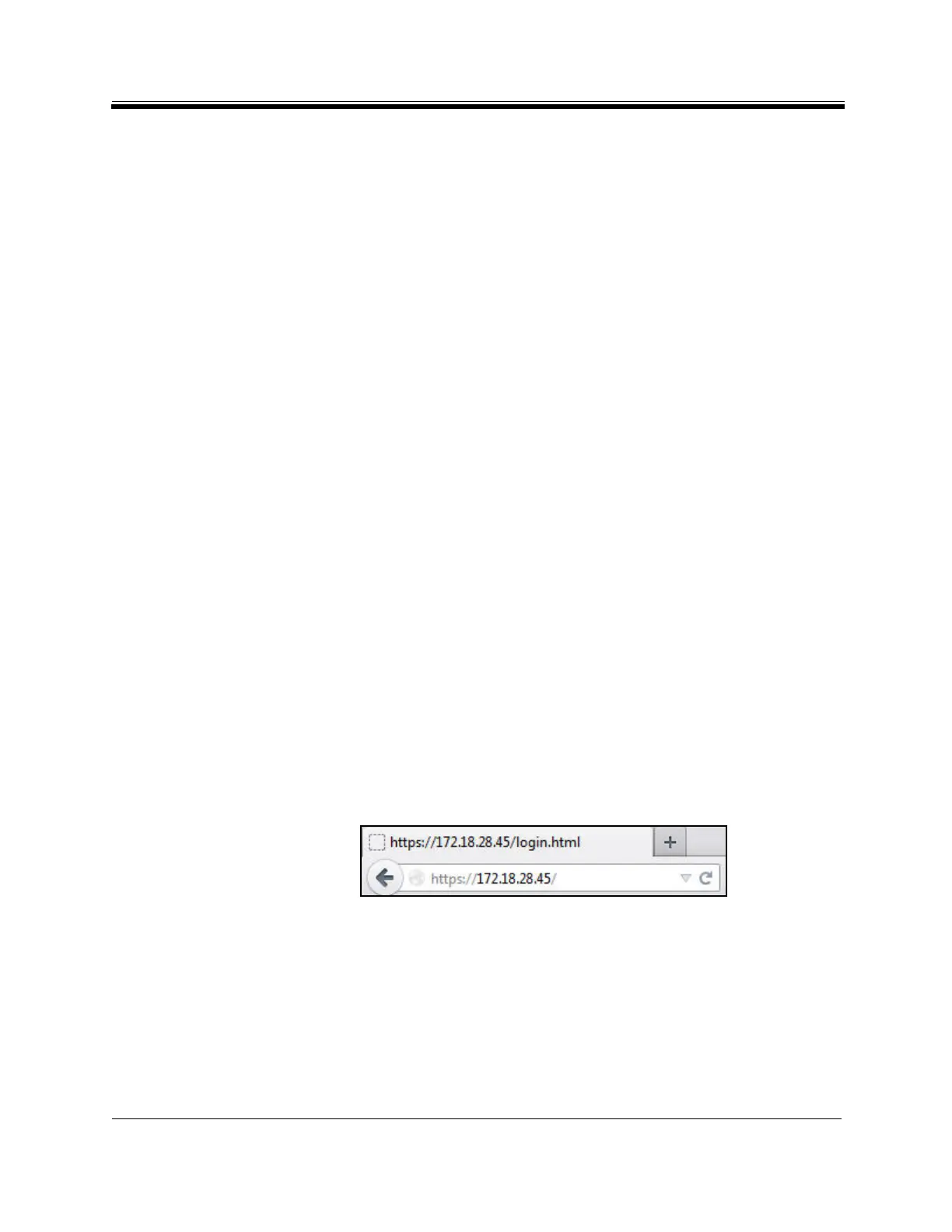
3. Enter the IP address
of the Satellite Router into the address bar of the Web browser in the
following format:
https://IP Address/
where IP Address is the IP ad
dress of the Sate
llite Router. See Figure 27.
Figure 27. Connecting to the Satellite Router using We
b iSite
4. When the Lo
gin page appears:
a. For Us
er, enter admin.
b. For P
assword, enter the admin password of the Satellite Router.
c. Click Login



 To Next Page