iDirect Satellite Router Installation and Commissioning Guide 71
iDX Release 3.3
Verify the Download
The remote site geographic coordinates can be confirmed by scrolling to the bottom of the
Status
Modem Status page.
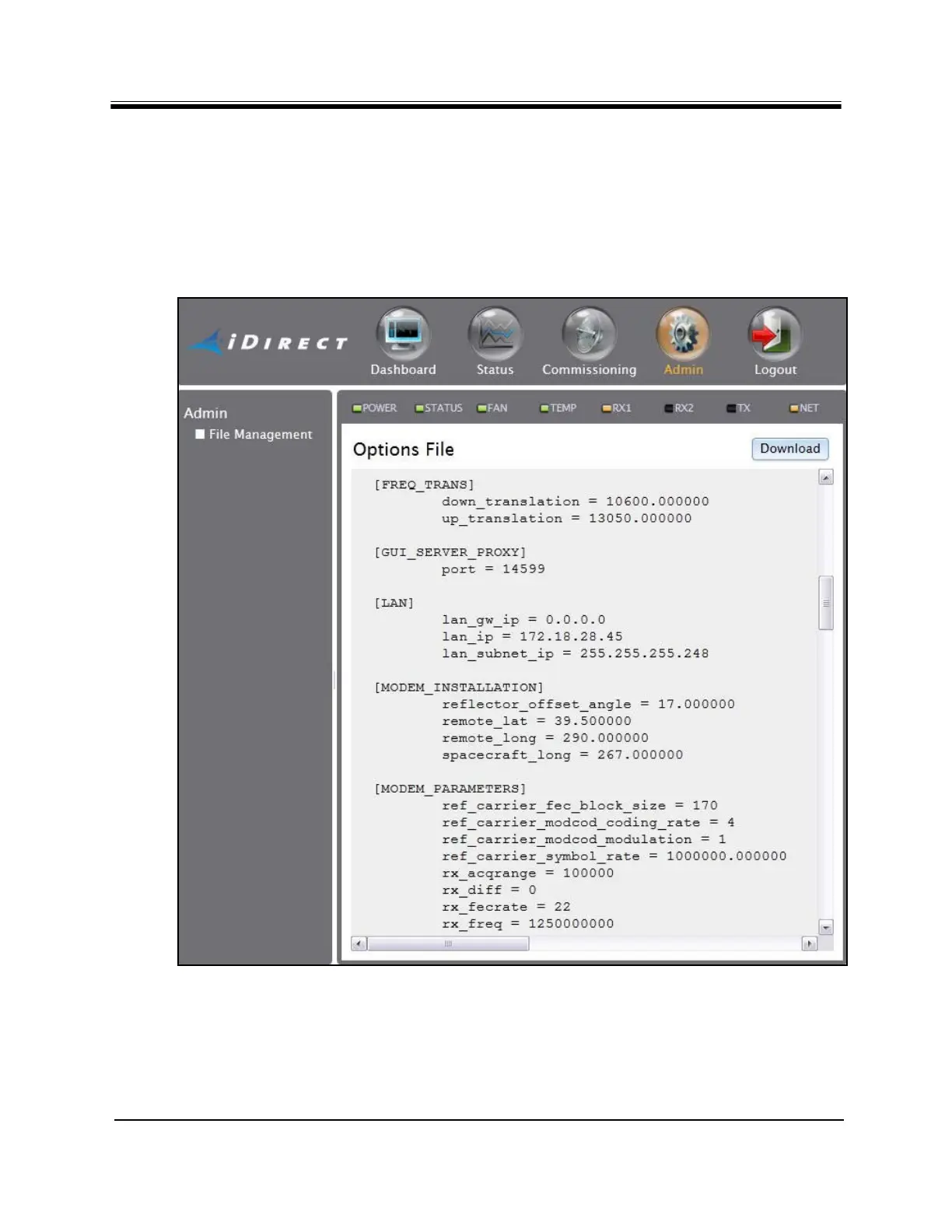
The options file data can also be confirmed by viewing the options file di
rectly. Navigate to
File Management on the Admin page of Web iSite. View the new options file by clicking View
under Retrieve Options File. Frequency translation data appears under the [FREQ_TRANS]
heading. See Figure 44.
Figure 44. View Options File: Frequency Translation
In the options file, down_transla
tion
is the frequency of the LNB local oscillator in MHz,
and up_translation is the frequency of the BUC local oscillator in MHz.



 To Next Page