64 iDirect Satellite Router Installation and Commissioning Guide
iDX Release 3.3
Peaking the Antenna
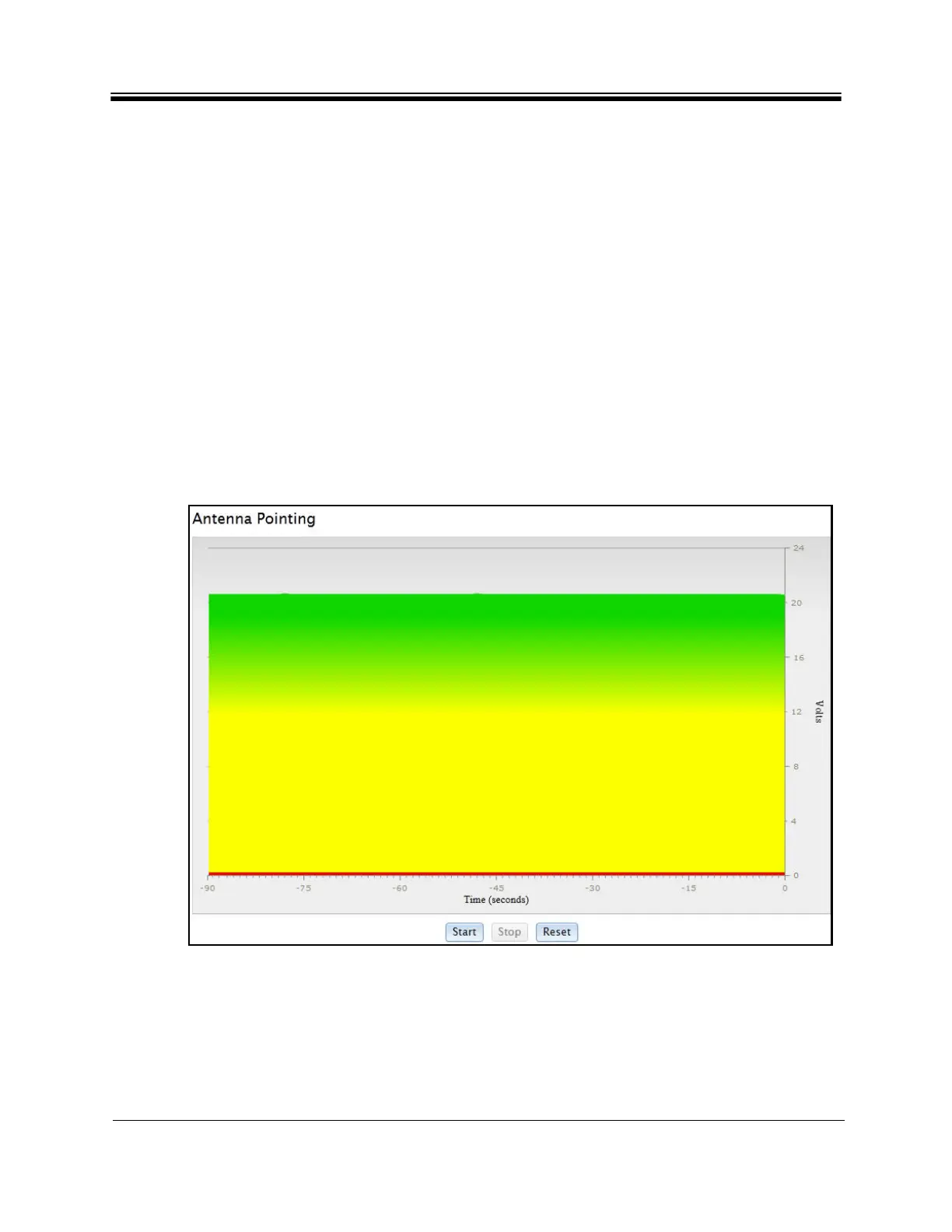
9. Move the antenna in azimuth so as to maximize the level of the green bar and the PWM
output voltage. See Figure 41.
10. If the downstream carrier signal is not found,
increase or decrease the elevation setting
in 2° increments and repeat the azimuth sweep until the signal is found.
11. When locked on to the carrier:
a. Fine-adjust elevation for maximum.
b. Fine-adjust azimuth for maximum
.
c. Lock the azimuth and elevation axes in place.
d. Fine-adjust the feed polarization angle for maximum.
12
. R
ecord the final antenna pointing voltage
reading and report the reading to the Network
Operator.
13. On the Antenna Po
inting screen, click Stop Tx PWM to exit the antenna pointing mode.
14. Remove power from the Satellite Router. The unit must be restarted to completely exit
the
antenna pointing mode.
15. Disconnect the voltmeter from the Tx IFL. Do not re-connect the BUC at this time.
Figure 41. Web iSite: Antenna Peak Indication
Note: The Satellite Router must be reset to fully exit pointing mode and re-enable the
operational state. Remove
power from the Satellite Router before continuing.



 To Next Page