iDirect Satellite Router Installation and Commissioning Guide 83
iDX Release 3.3
After Securing the Antenna
5. Wait for the access controller to make a measurement. The access controller may say to
continue moving the feed in the same direction, or to reverse direction. Continue as
directed until the required isolation is achieved.
6. Secure all fasteners and the hose clamp.
It may be necessary to re-peak azimuth and elevatio
n in order to achieve sufficient cross-pol
isolation. The access controller may ask for fine adjustments in azimuth or elevation before
repeating the cross-pol adjustment. Follow the directions of the access controller. Securely
fasten all antenna axes after peaking and isolation have been optimized.
14.4 After Securing the Antenna
Wait for the access controller to verify that cross-pol isolation and peaking did not change due
to tightening of the antenna axis fixing hardware. Confirm that the Network Operator has
recorded the final cross-pol isolation value.
If directed to modulate the test carrier:
If using iSite:
1. Click the S
tart Modulated button (Figure 46) to open the Specify Modulated Carrier
dialog box.
2. In the Specify Modulated Carrie
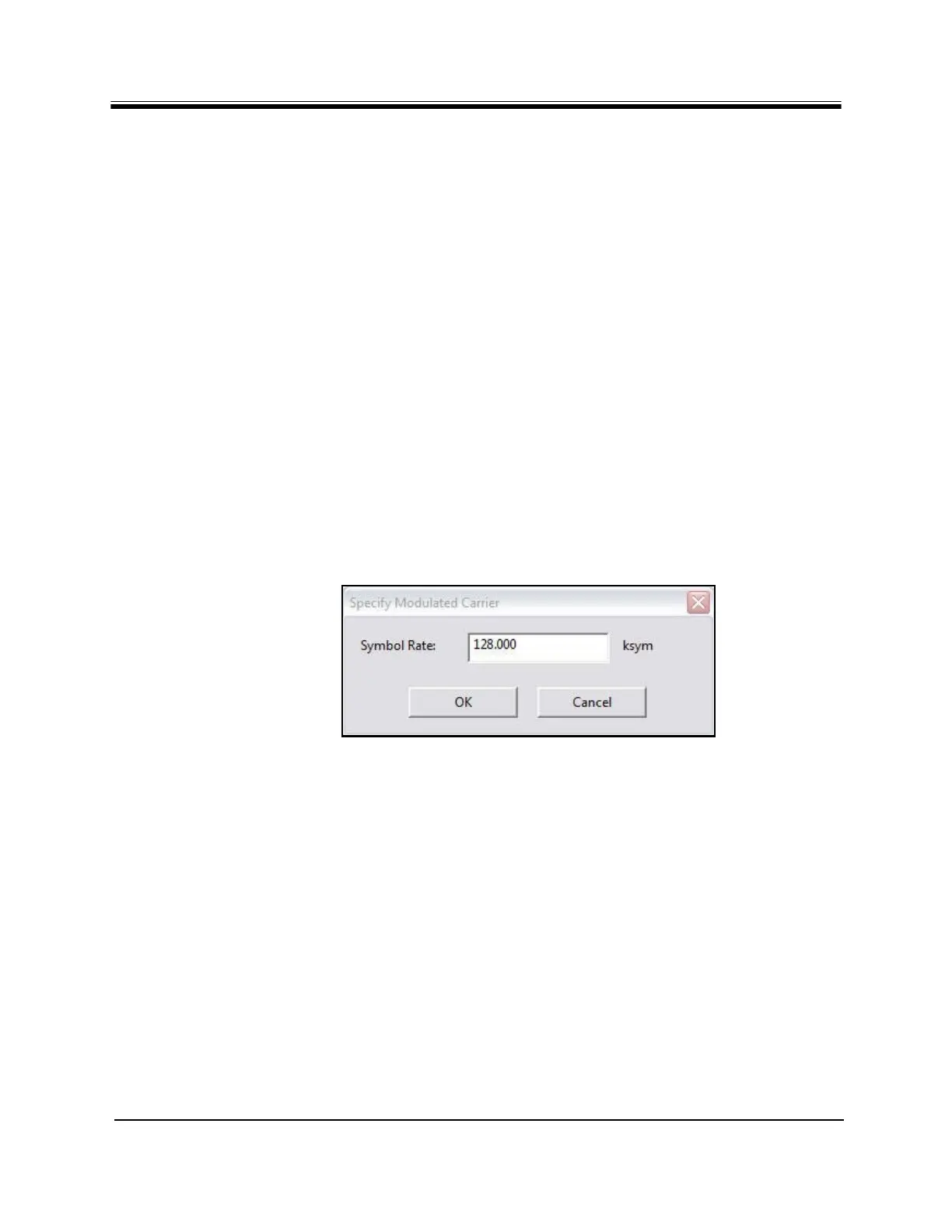
r dialog box (Figure 48), enter the Symbol Rate as
directed.
Figure 48. iSite: Specify Modulated Carrier Dialog Box
3. Click OK to modulate the carrier
.
If using Web iSite:
a. In the Modulation field of the Modulator se
ction, select BPSK (Figure 47).
b. Enter the Symbol Rate as directed.
c. Click the St
art button.
After completing the cross-
pol isolation adjustments, proceed to “1 dB Compression Point and
Maximum Power” on page85.



 To Next Page