EasyManua.ls Logo

idp Smart Series - Verifying Vista;7;8 Printer Installation

idp Smart Series
90 pages
Print Icon
To Next Page IconTo Next Page
To Previous Page IconTo Previous Page
Loading...
34
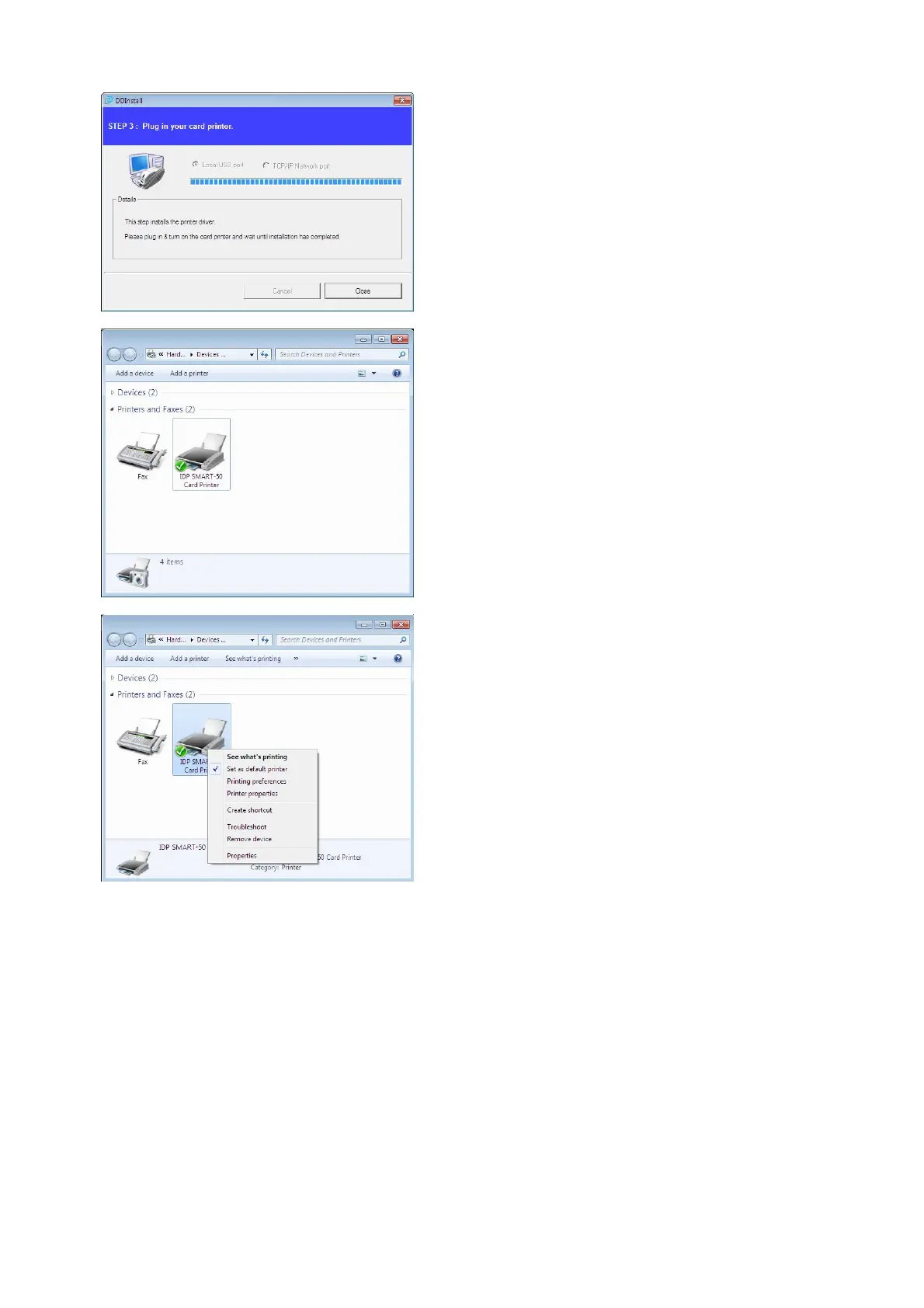
Pic.68 Install Win7 driver 13
2.5
.11. When driver installation is
completed, please click “Close”.
Pic.69 Install Win7 driver 14
2.5
.12. Please open
“
Devices and
Printers” from “
Hardware and
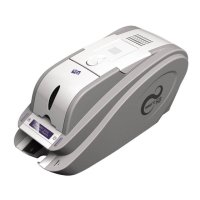
Sound”. Please check if “IDP
SMART-50 Card Printer”
is created.
Pic.70 Install Win7 driver 15
2.5
.13. Please click
the
right mouse button
after cursor is placed on “IDP
SMART-50 Card Printer”
icon. Click
“Printer properties”.

Table of Contents