37
2.5. Network configuration
2.5.1 Connecting network port
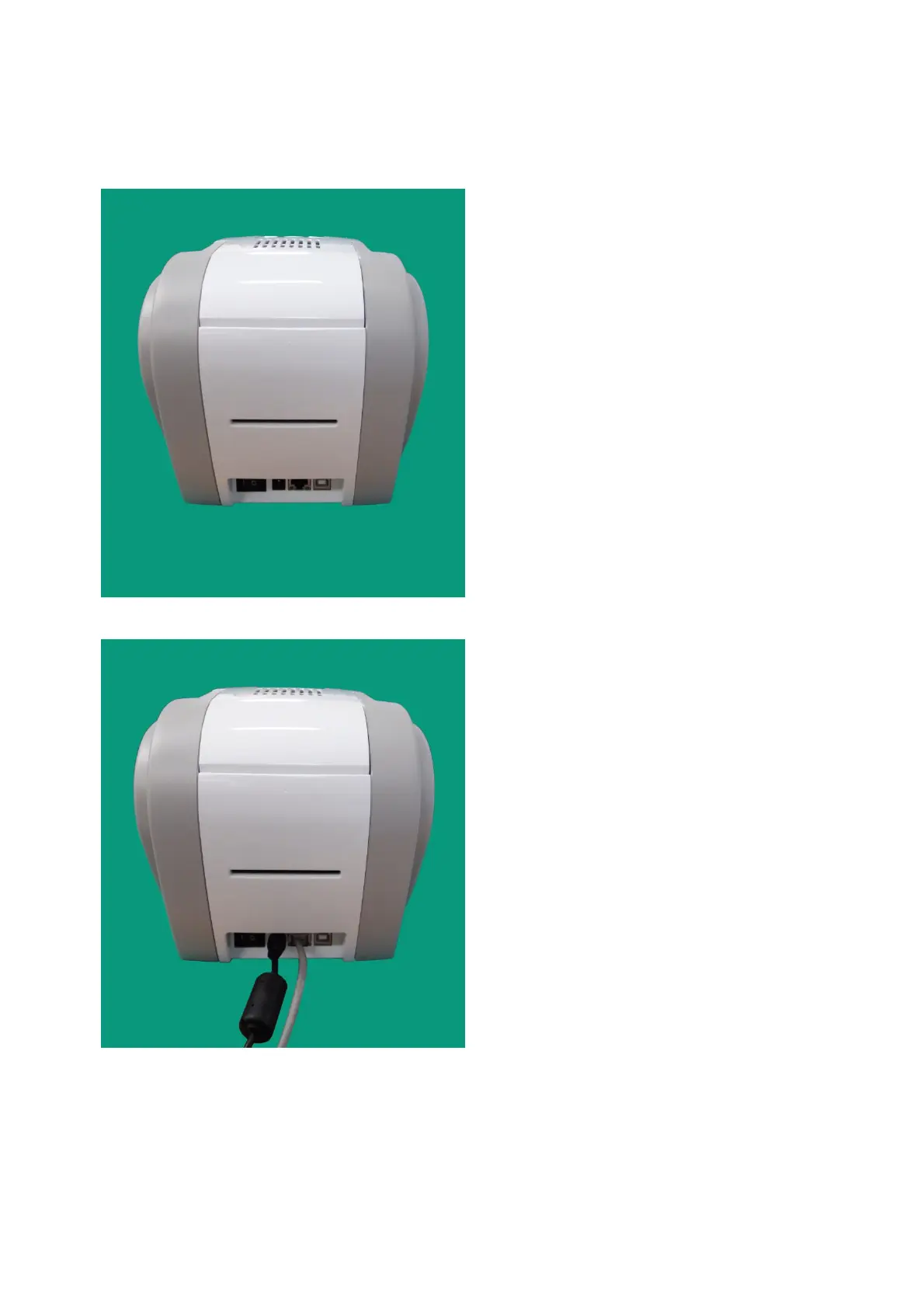
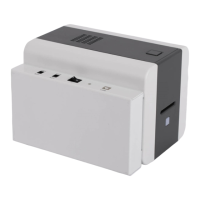
Pic.79 Rear view of SMART-50 printer 1
The printer which installed with
network option has
connection as shown in the
picture.
① Power Switch
② Power Supply Connector
③ Network Port
④ USB Port
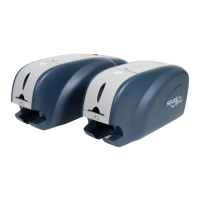
Pic.80 Rear view of SMART-50 printer 2
to a printer.
(Network cable is not supplie
network administrator for more questions.)
① ② ③ ④


 To Next Page