35
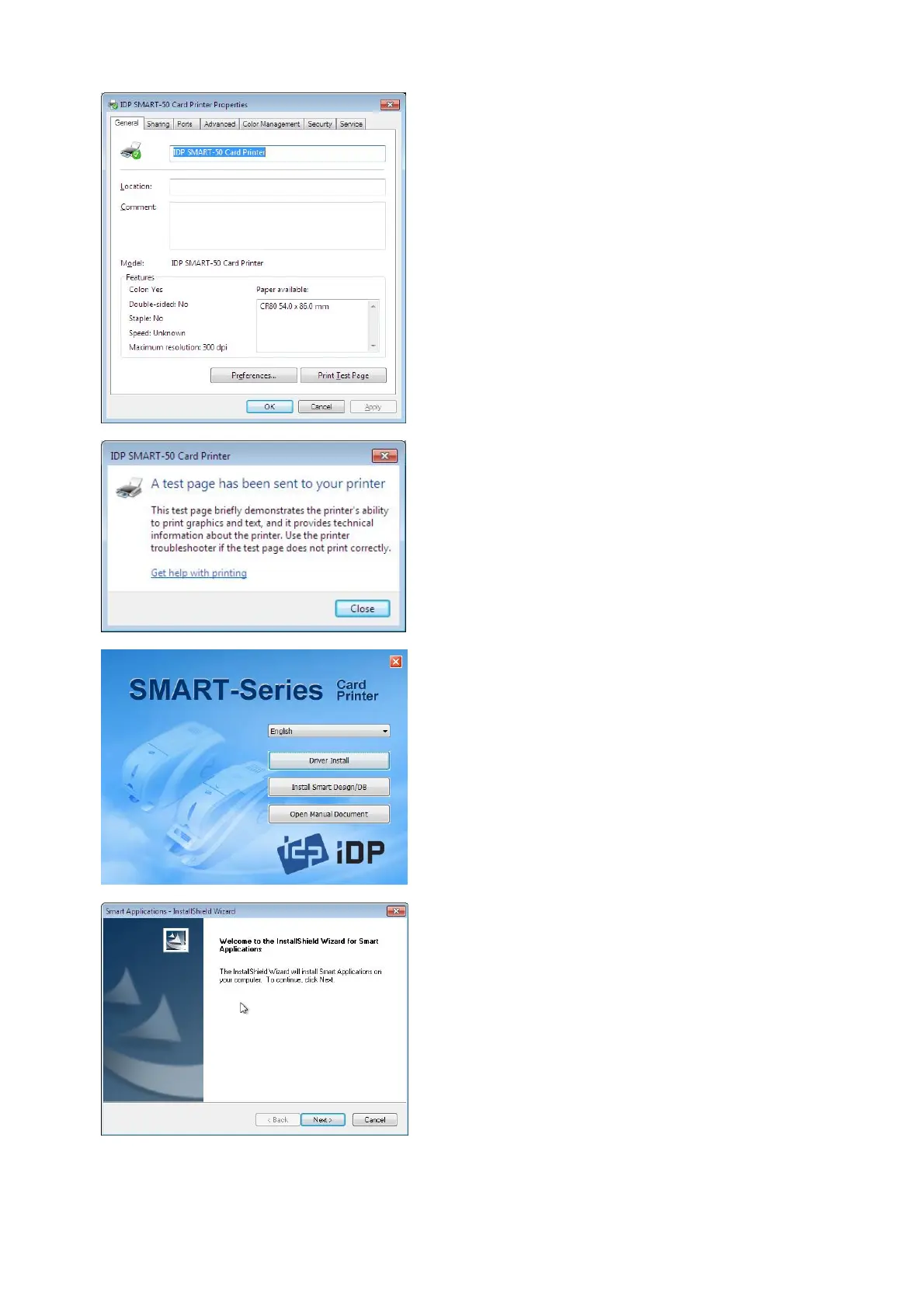
Pic.71 Install Win7 driver 16
click “Printer test page” in “IDP
SMART-50 Card Printer Properties”
window.
Pic.72 Install Win7 driver 17
.15. Please check test card if it is
printed properly and click “Close”
a card is printed properly.
(If card is not printed or error comes out,
please refer “Trouble Shooting”.)
Pic.73 Install Win7 driver 18
by clicking “
Installation”.
Pic.74 Install Win7 driver 19
Application Install Shield Wizard”
comes out.



 To Next Page