55
4.1.2. Card Printer
4.1.2.1. Basic Setup
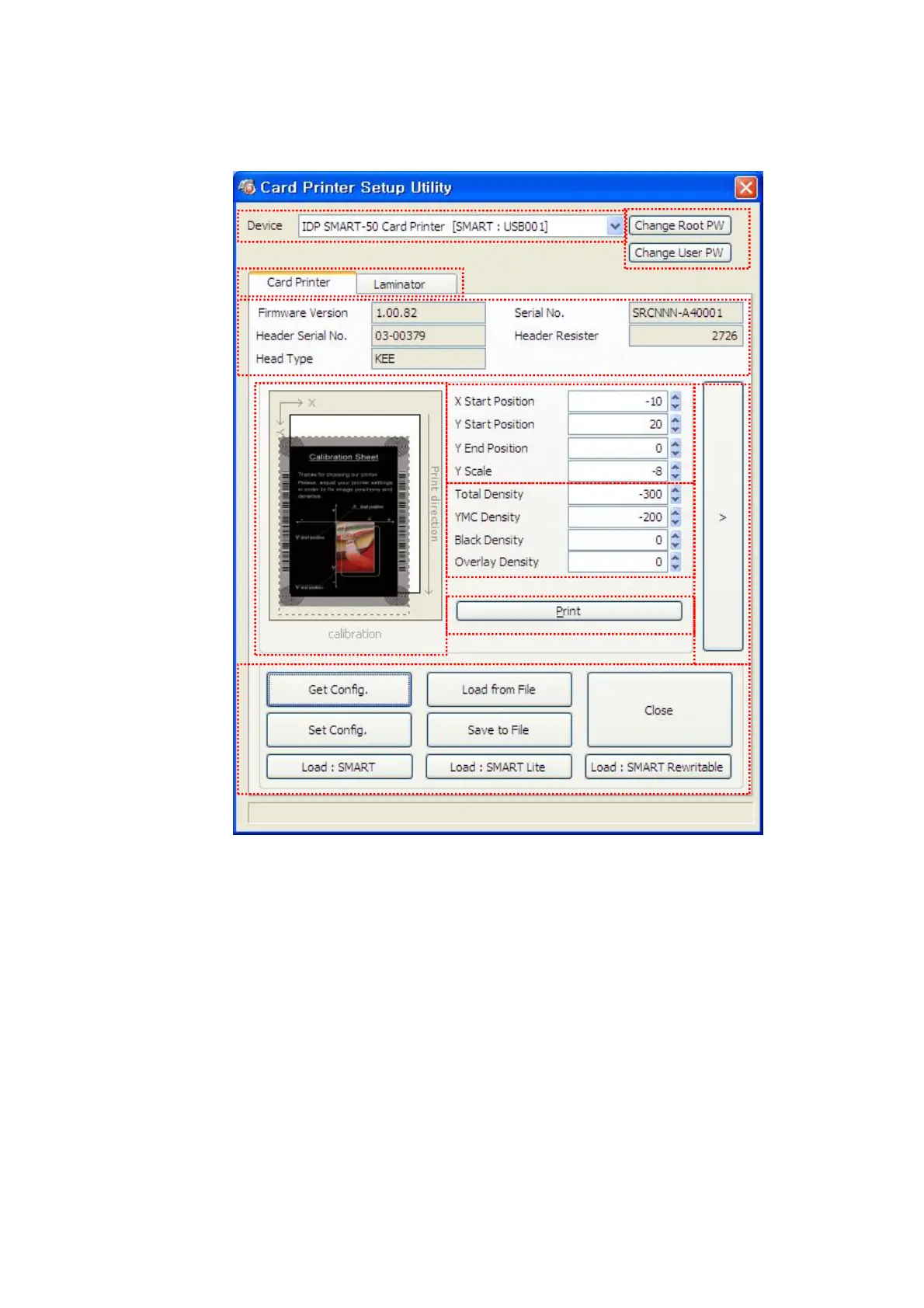
Pic.111 CardPrinterSetup – Card Printer Basic Setup
① To show connected printers
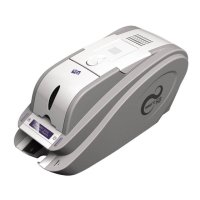
Device: You can select a printer using pull-down menu. “IDP SMART-50 Card Printer” is a
name of printer. “SMART228” is printer ID, “USB001” is connected port.
② To set administrator password and user password.
Change Root PW: To set administrator (root) password. This password is used to verify
user authority for CardPrinterSetup and User Authentication. Also it is required for User
password management. (Please set password for security use.)
Change User PW: To set user password for User Authentication.
③ Click “Card Printer” tap.(If laminator is installed, you can setup laminator setting value by
“Laminator” tap.
④ To show firmware version, serial number of printer and serial number, resistor & type of print
head.
⑤ To show print area. It shows exaggeratingly for user convenience.
①
②
③
④
⑤
⑥
⑦
⑧
⑨
⑩


 To Next Page