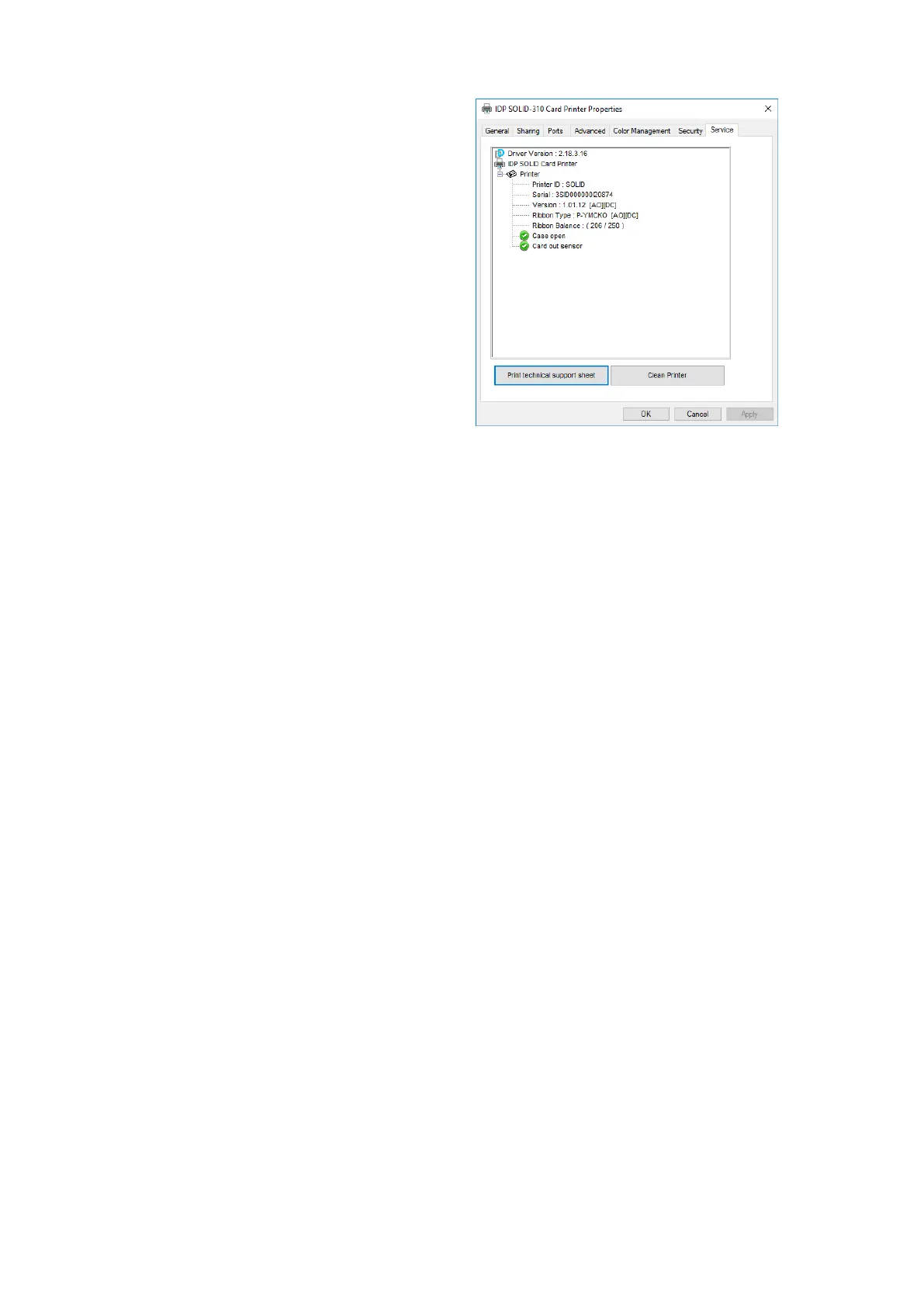
(6) Service
You can recognize the modules to connect,
printer serial, printer ID, driver version,
firmware version, type of ribbon & balance
and printer’s status.
You can print the “technical support sheet”
on a card to check printer’s setup value.
To clean printer, please insert a cleaning
card in a hopper and click “Clean Printer”.
For further details, please refer to “6.2.
Cleaning Printer”.



 To Next Page