51
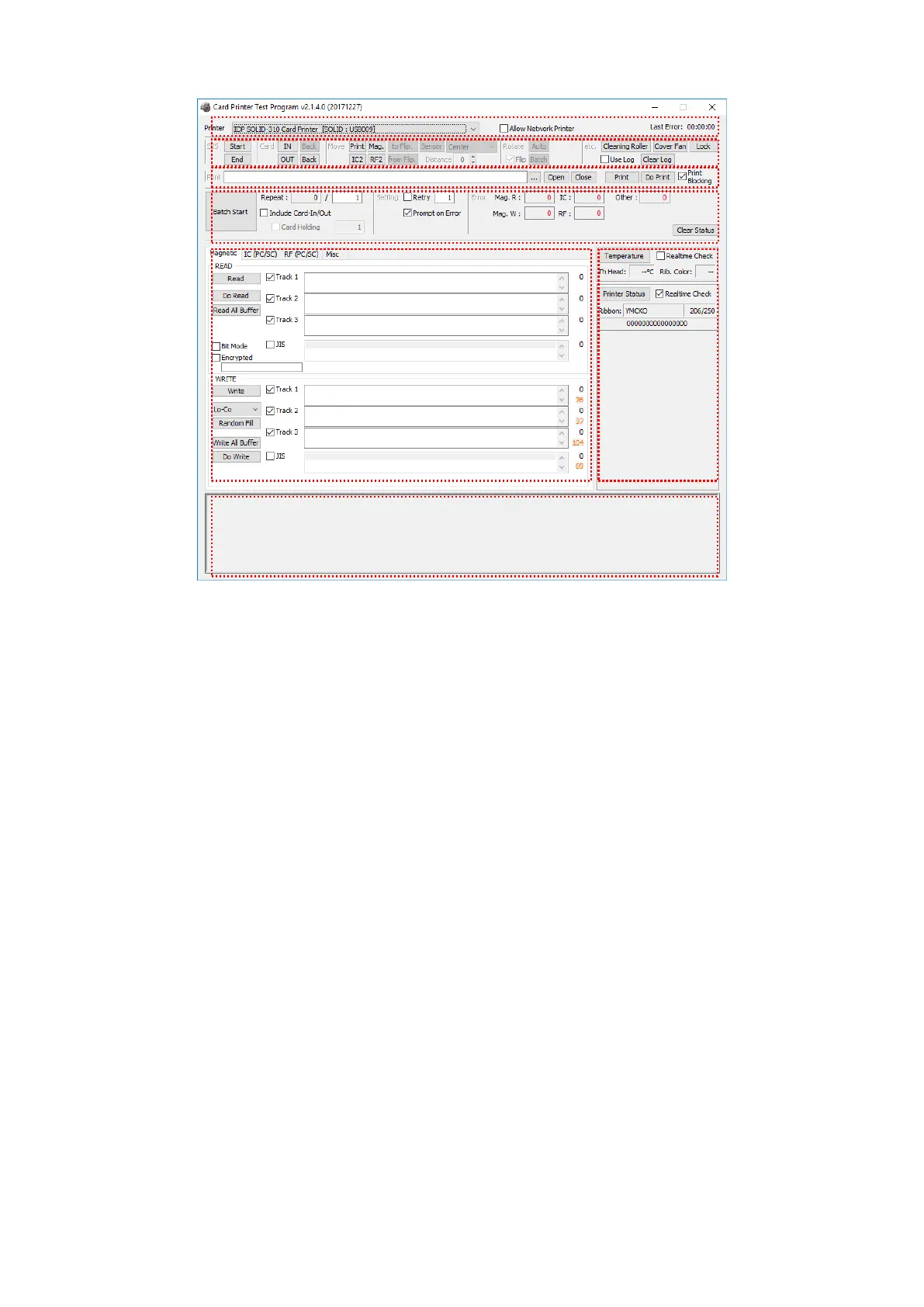
Figure 77 CardPrinterTest
① Select Printer: select printer to test. In the picture, “IDP SOLID-310 Card Printer” is
the Printer name, SOLID1 is the Printer ID, and USB005 is the connected port.
② Control : To execute each step to test
③ Print: Print test with CSD file which is designed by Smart ID program.
④ Batch Start: Repeat selected encoding test by “⑤ Encoding”
⑤ Encoding: Encode Magnetic Stripe, Contact Card, Contactless Card
⑥ Printer Status: Check printer status.
⑦ Message: Description of status by log.



 To Next Page