44
4.2. Network configuration
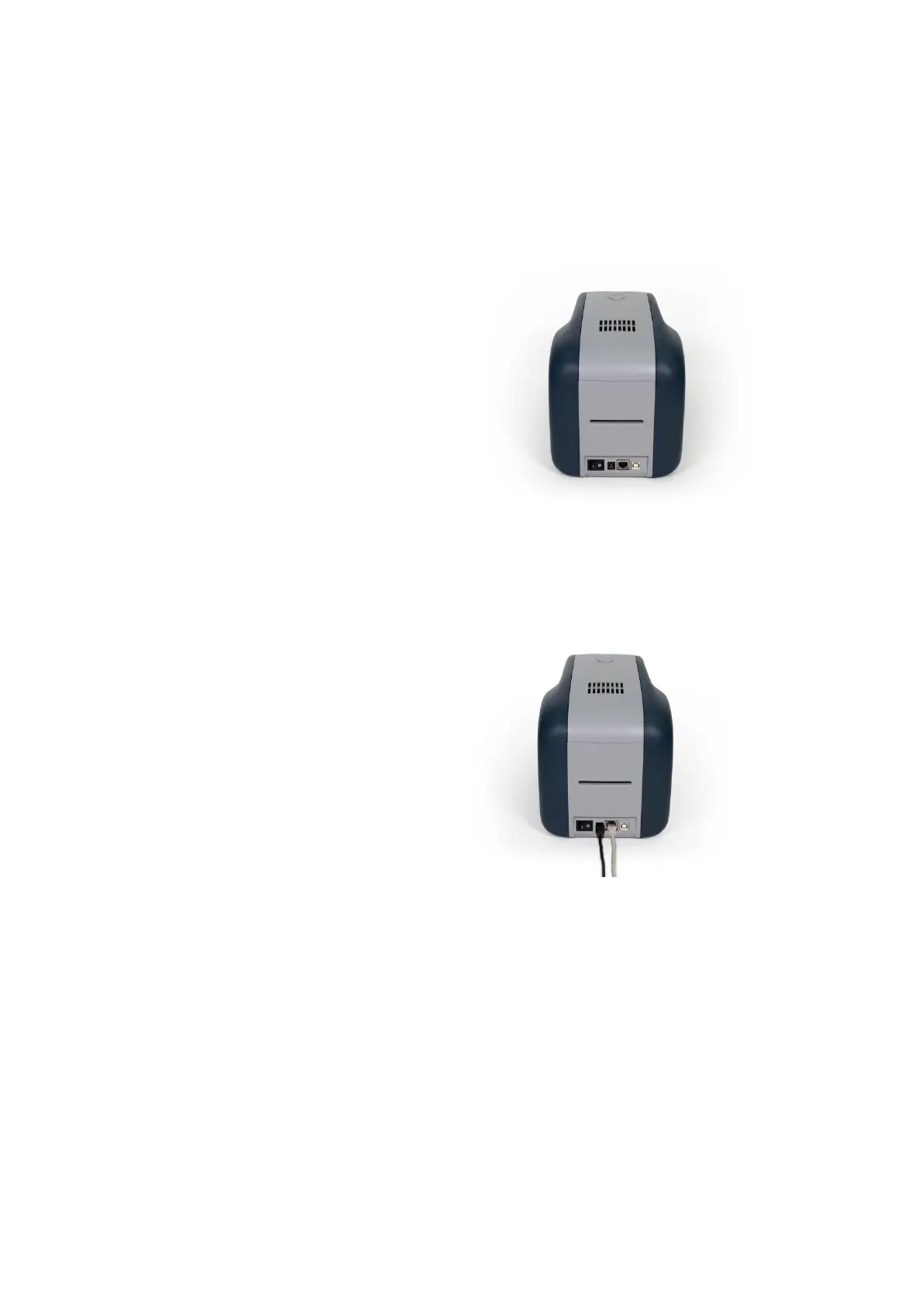
(1) Connecting network port
The printer which installed with
network option has a port for
network connection as shown in the
left picture.
① Power Switch
② Power Supply Connector
③ Network Port
④ USB Port
Figure 61 Rear view of SOLID-310 printer 1
Please connect network cable
(RJ45) to a printer.
(Network cable is not supplied. Please ask
network administrator for more questions.)
Figure 62 Rear view of SOLID-310 printer 2
DHCP (Dynamic Host Configuration Protocol) which automatically assigns IP address to the SOLID-
310 network printer on the same network is default for IP configuration. If you don’t have DHCP
server, you need to set static IP.
Please run NetAdmin.exe in the SOLID-310 installation CD to set or change network configuration.



 To Next Page