72
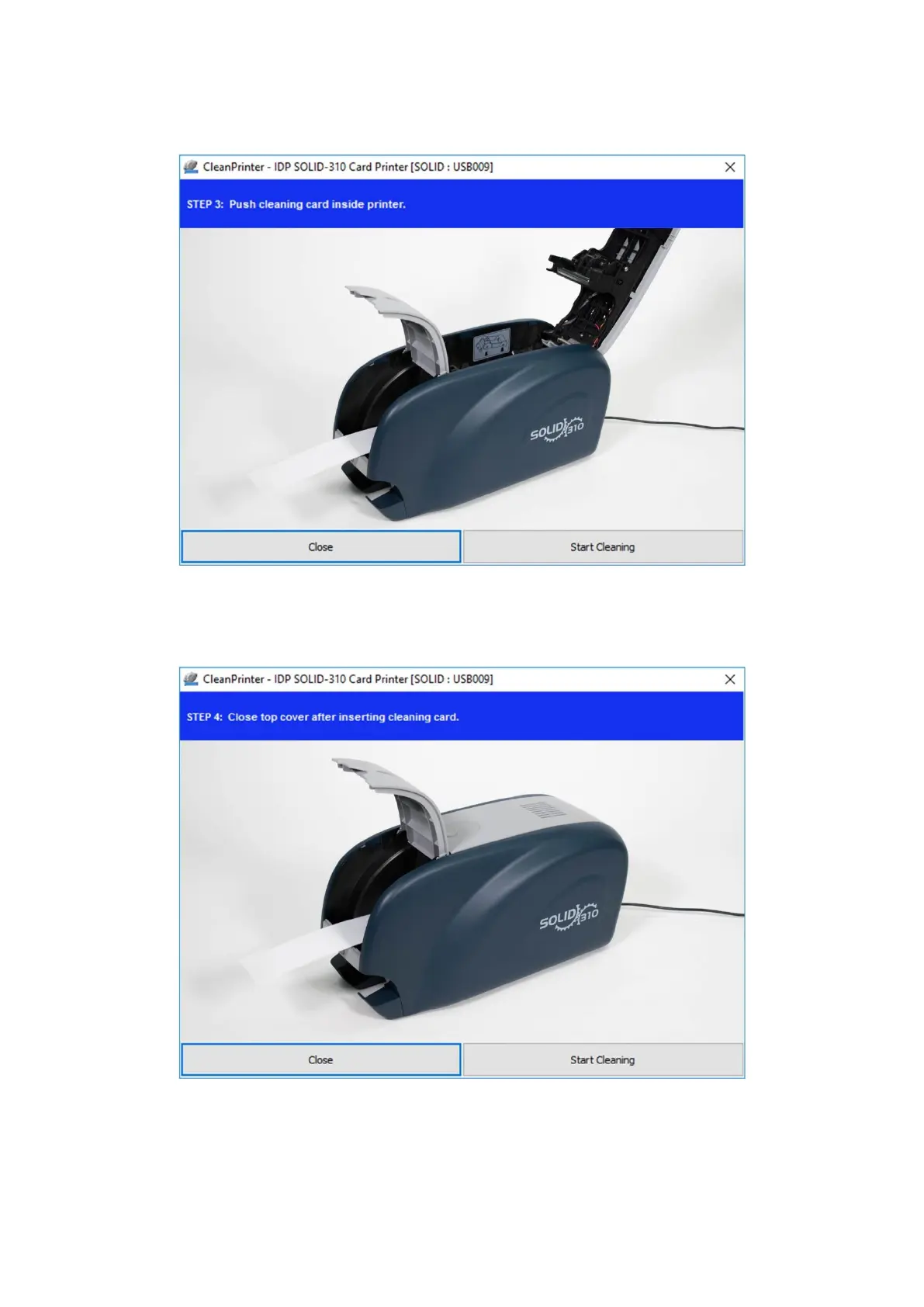
automatically. It is normal that the exclusive long cleaning card is inserted to the ends
and rollers are moving to clean.
Figure 96 Printer cleaning Step 3
Step 4. Close the top cover to clean the Thermal Print Head and the printing roller. When the
top cover is closed, cleaning card will be moving back and forth to clean.
Figure 97 Printer cleaning Step 4
Step 5. Wait until the cleaning is completed. When the cleaning is completed, the exclusive
long cleaning card will be ejected automatically as the picture.



 To Next Page