63
5.2. Contactless smartcard reader
In SOLID-310 printer, you can install the two types of smartcard reader which are internal
contactless smartcard reader and external contactless smartcard reader. If you have one
or more contactless smartcard reader devices on your printer, you should install the
contactless smartcard device driver as in the following, and connect SOLID-310 printer to
your PC.
(1) Connect SOLID-310 printer to PC
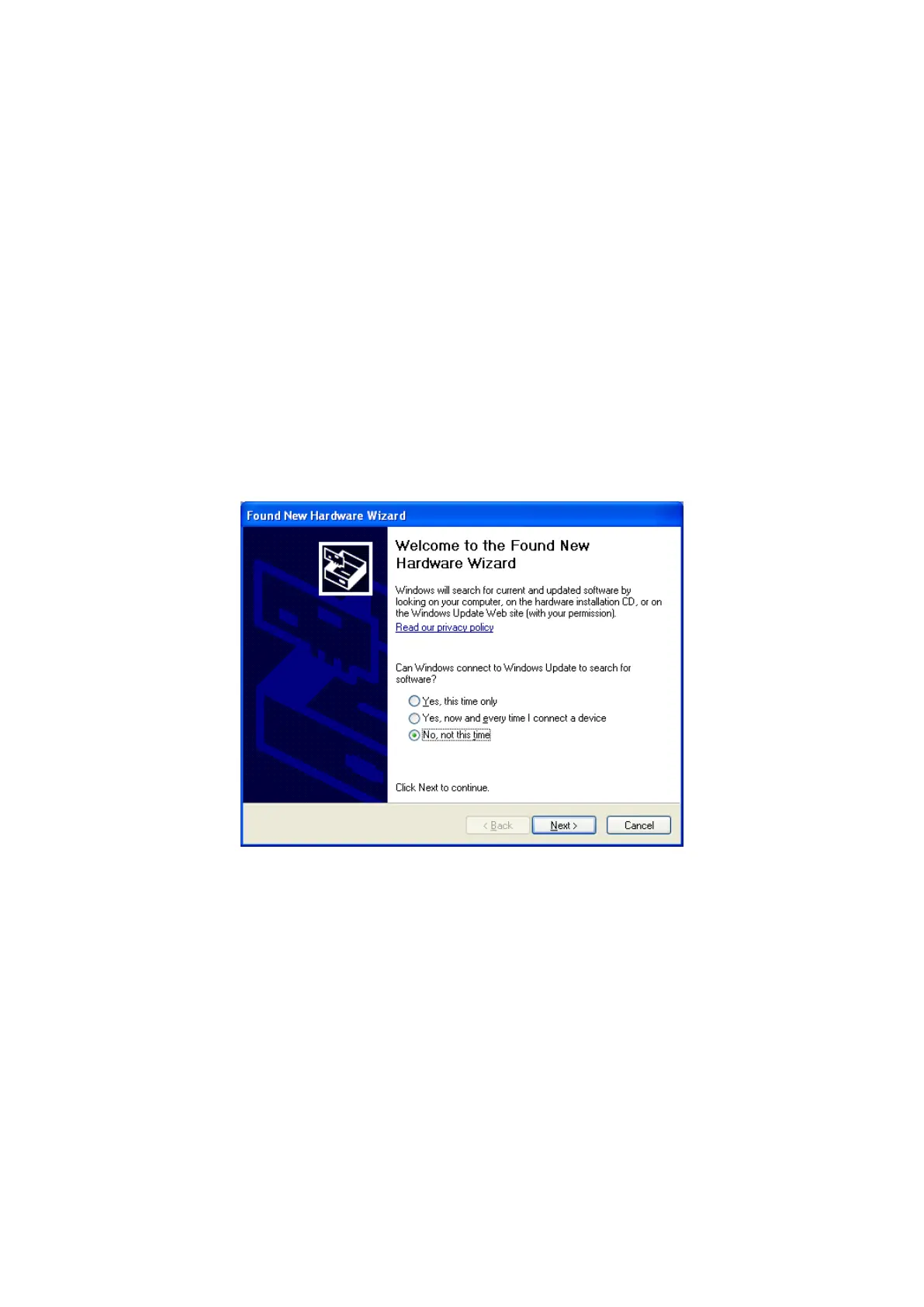
When you connect the printer to PC and turn on the printer, you can see the “Found
New Hardware Wizard” as the picture, then Check “No, not that time” and Click “Next” to
continue.
Figure 88 Found New Hardware Wizard



 To Next Page